
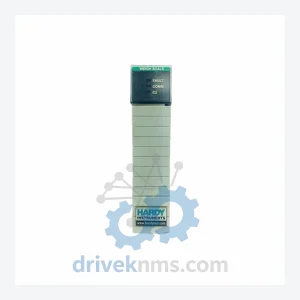
HARDY 1756-2WS Weigh Scale Module ControlLogix-Compatible Weighing I/O for Industrial Process Control
Hardy 1756-2WS is listed for ControlLogix RFQ review. Confirm quantity, condition and destination before quotation.
RFQ-ready industrial model
Model: 1756-M08SE
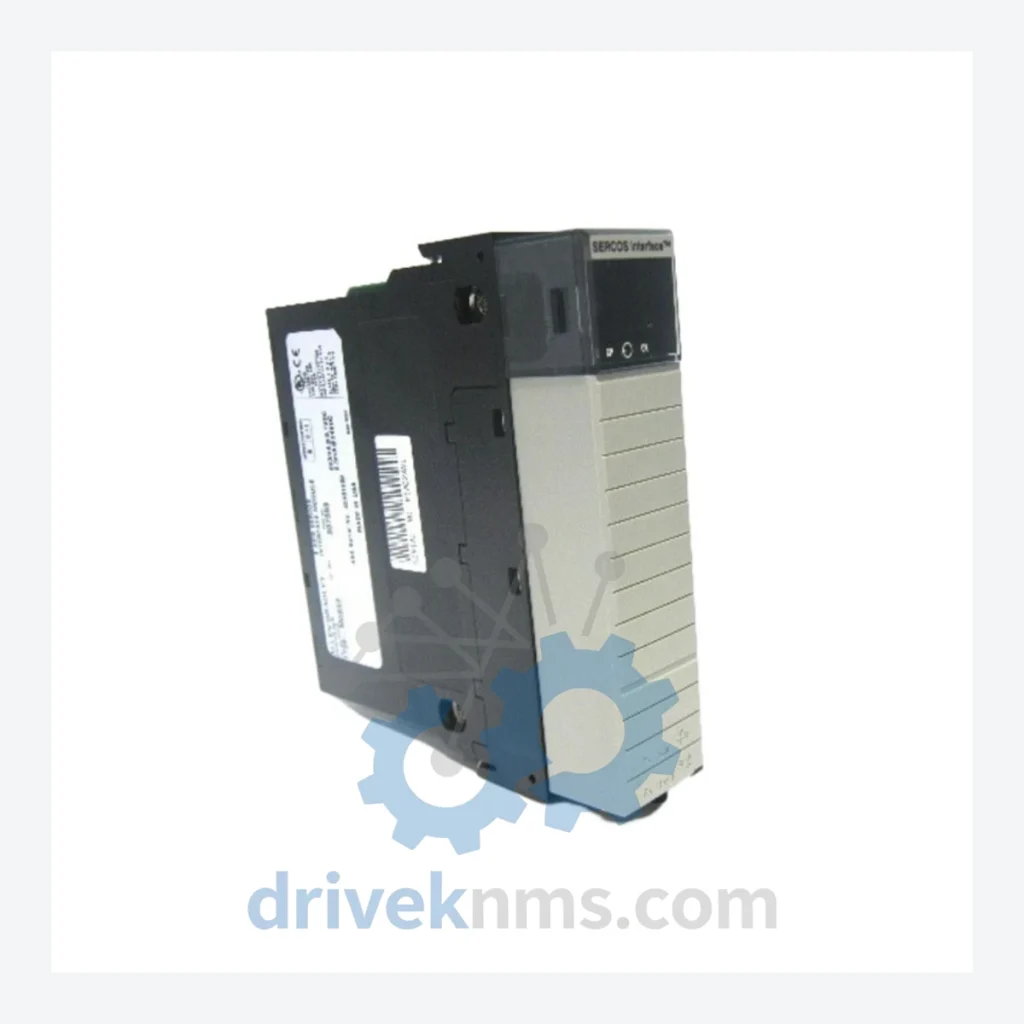
Product Overview
Commercial availability is handled through direct RFQ, model verification and export-oriented follow-up rather than public cart checkout.
Datasheet Preview
Use attached product manuals when available. If the manual is not public yet, request the full file directly through RFQ.
Commercial Path
Product pages on DRIVEKNMS are designed to verify model, brand and series first, then move the buyer into one clean quotation path.
Technical Dossier
RFQ support for obsolete parts: Send the model number, required quantity and destination so DriveKNMS can confirm sourcing options before quotation.
| Parameter | Detail |
|---|---|
| Part Number | 1756-M08SE |
| Manufacturer | Allen-Bradley / Rockwell Automation |
| Series | ControlLogix 1756 |
| Module Type | SERCOS Motion Control Module |
| Number of Axes | 8 |
| Interface | SERCOS (Serial Real-time Communication System) |
| Backplane Compatibility | ControlLogix 1756 chassis |
| Discontinuation Status | Officially discontinued by Rockwell Automation |
| Replacement Path | No direct drop-in successor; migration requires significant re-engineering |
| Compatible Software | RSLogix 5000 / Studio 5000 Logix Designer |
The 1756-M08SE was the backbone of coordinated multi-axis motion in ControlLogix systems deployed across automotive assembly, packaging, printing, and semiconductor manufacturing lines throughout the 2000s and 2010s. Rockwell Automation has since discontinued this module, and the recommended migration path — transitioning to the Kinetix 5700 or newer Logix-integrated motion architecture — requires complete drive replacement, new fiber cabling, and full motion program re-validation.
Factory management facing pressure to retire aging ControlLogix motion systems often underestimate the true cost of early migration. The following approach has been used by maintenance engineering teams to defer platform replacement while maintaining production reliability:
2. Predictive Maintenance Scheduling: SERCOS modules do not fail gradually — they fail hard. Implement quarterly backplane seating checks, fiber optic connector cleaning, and chassis fan verification. These low-cost interventions prevent the majority of premature failures.
3. Firmware Version Control: Document the exact firmware revision running on each installed 1756-M08SE. Replacement units must match the installed firmware to avoid motion program incompatibilities. DriveKNMS verifies firmware versions on all units prior to shipment.
4. Controlled Environment Storage: Spare modules stored in uncontrolled environments degrade. Electrolytic capacitors in power supply sections are particularly vulnerable to temperature cycling. Store spares in sealed ESD bags at 15–25°C with humidity control.
5. Vendor Qualification: The obsolete parts market contains counterfeit and non-functional units. Require full QA documentation, including functional test records, from any supplier. DriveKNMS provides this documentation with every shipment.
Every 1756-M08SE unit processed by DriveKNMS passes a structured 5-step inspection protocol before it is offered for sale:
Step 1 – Electrolytic Capacitor Assessment: Capacitors in the module's internal power regulation circuitry are inspected for bulging, leakage, and ESR deviation. Aged capacitors are the primary failure mode in stored obsolete modules.
Step 2 – Firmware Version Verification: The installed firmware revision is read and documented. Customers are informed of the exact version prior to shipment to ensure compatibility with their installed RSLogix / Studio 5000 project.
Step 3 – Connector and Pin Inspection: All backplane edge connectors and fiber optic ports are inspected under magnification for corrosion, pin deformation, and contamination. Corroded connectors are the second most common cause of intermittent SERCOS communication faults.
Step 4 – Functional Bench Test: Where test infrastructure permits, modules are powered in a ControlLogix chassis and SERCOS ring communication is verified.
Step 5 – ESD-Safe Packaging: Units are packaged in anti-static bags with desiccant and shipped in rigid foam-lined cartons to prevent transit damage.
The 1756-M08SE installs directly into any standard 1756 ControlLogix chassis without chassis modification. It is recognized by RSLogix 5000 and Studio 5000 Logix Designer as a standard catalog number — no custom configuration files or third-party drivers are required.
For maintenance teams, this means a replacement unit can be installed and the system returned to production without involving a controls engineer for reprogramming. The motion program, axis parameters, and SERCOS ring configuration stored in the ControlLogix controller are preserved. This drop-in replacement capability eliminates the engineering labor cost that would accompany any alternative repair strategy.
Facilities that have attempted to substitute the 1756-M08SE with newer motion architectures have consistently encountered the same obstacles: incompatible drive firmware, SERCOS ring topology changes, and motion instruction set differences that require full re-commissioning. The installed 1756-M08SE remains the only zero-engineering-cost replacement path.
Q: How do I confirm the unit is genuine and not counterfeit?
A: All units are supplied with a full inspection report including serial number, firmware version, and test results. We source hardware through documented supply chains and do not purchase units of unknown provenance.
Q: Can you verify the firmware version before I commit to purchase?
A: Yes. Contact us with your installed firmware version and we will confirm compatibility before the order is placed.
Continue The Model Path
Move from this exact model into the matching system hub, brand archive, model-family archive or lifecycle sourcing route before sending a final RFQ list.
Related Paths
Hardy 1756-2WS is listed for ControlLogix RFQ review. Confirm quantity, condition and destination before quotation.
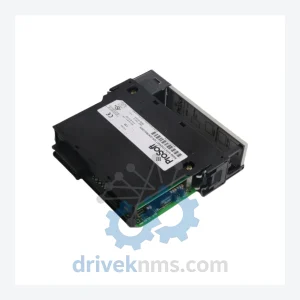
ProSoft Technology MVI56-GEC is listed for ControlLogix RFQ review. Confirm quantity, condition and destination before quotation.
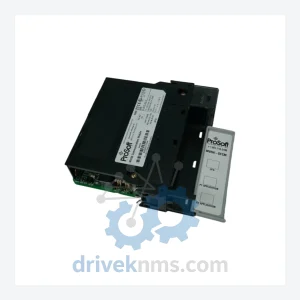
ProSoft Technology MVI56-DFCM is listed for ControlLogix RFQ review. Confirm quantity, condition and destination before quotation.