
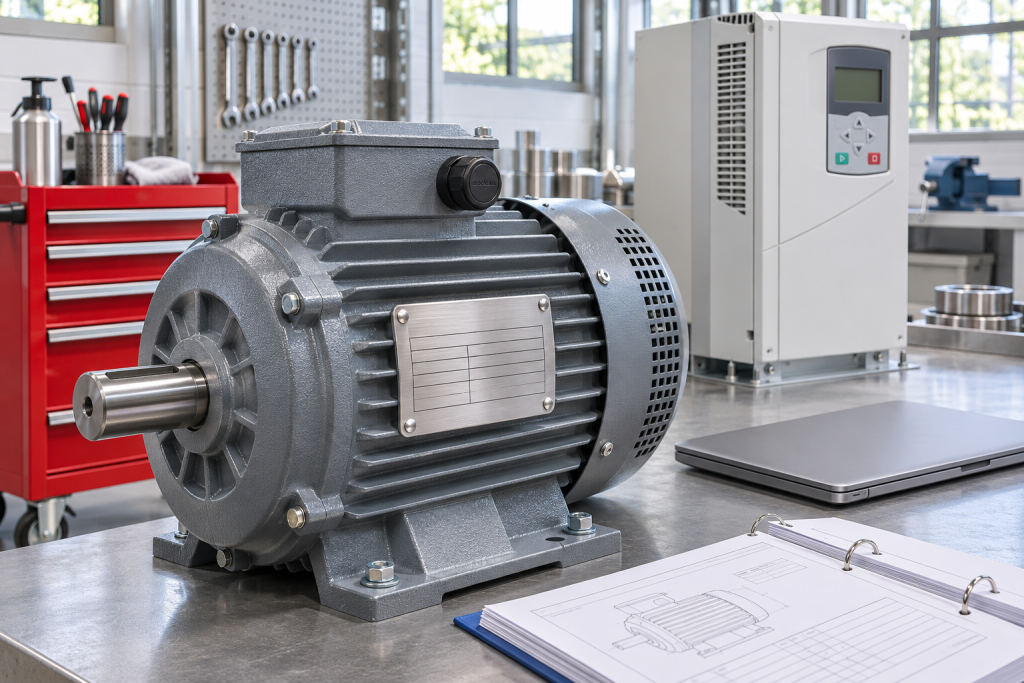
Review ACS800 motor nominal speed using the actual motor nameplate. Keep synchronous speed, shaft speed and restored drive settings distinct.
News
Read buying guides, brand overviews, replacement notes and application-focused articles for industrial automation sourcing decisions.
News & Insights
This section supports brand pages, replacement guidance and industry-facing search demand around industrial automation sourcing.
Content Focus
Use these notes to confirm the model path, then send the part list into RFQ.
Featured Insight / Drives & Motion
Review ACS800 motor nominal speed using the actual motor nameplate. Keep synchronous speed, shaft speed and restored drive settings distinct.
Drives & Motion
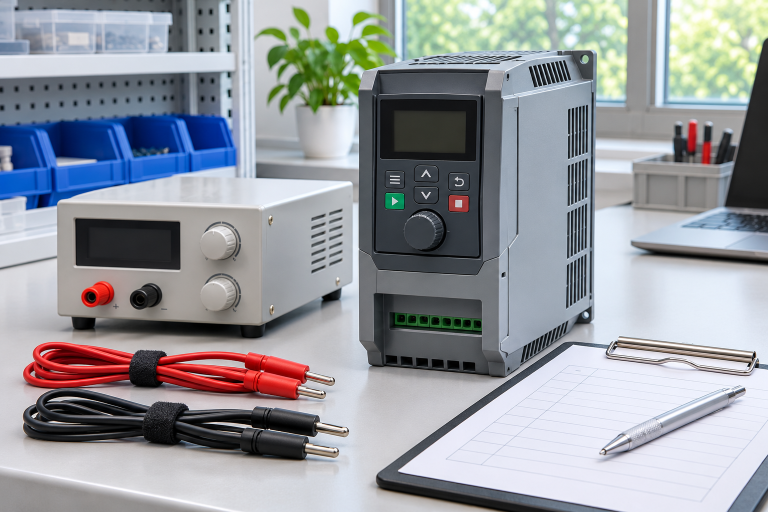
Plan ATV320 control-power checks with the correct terminal identity. Separate display and parameter evidence from power-stage and machine acceptance.
Drives & Motion
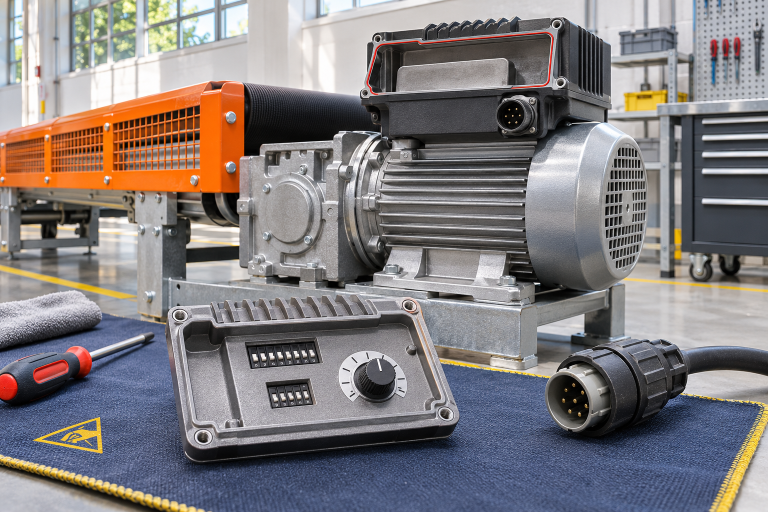
Prepare MOVIMOT D spares with a record of local controls. Separate observed switch positions, approved configuration and machine acceptance evidence.
Drives & Motion
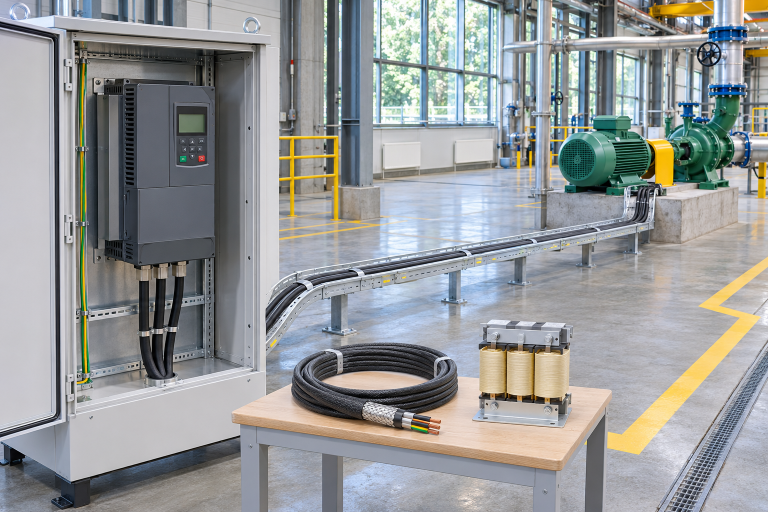
Prepare MM440 spares with verified motor-cable records. Identify the route, exact drive variant and output equipment before application approval.
Drives & Motion
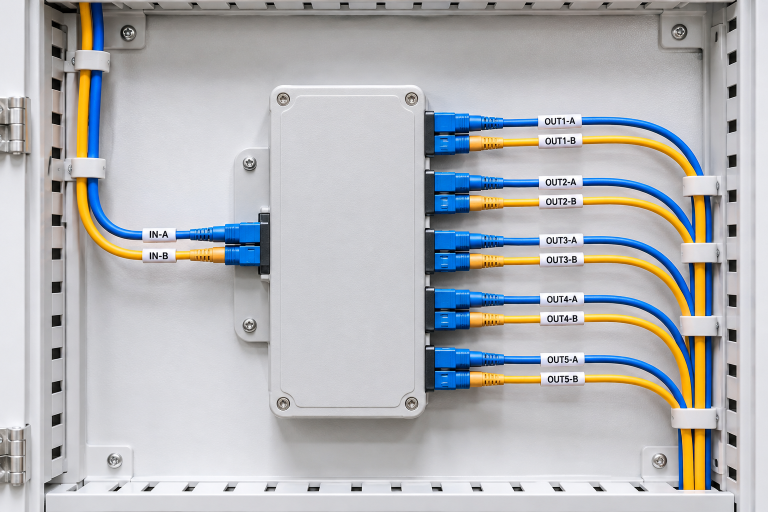
Prepare ABB NDBU spares with a verified DDCS branch map. Record upstream and downstream identities, exact variants and the scope of acceptance tests.
Drives & Motion
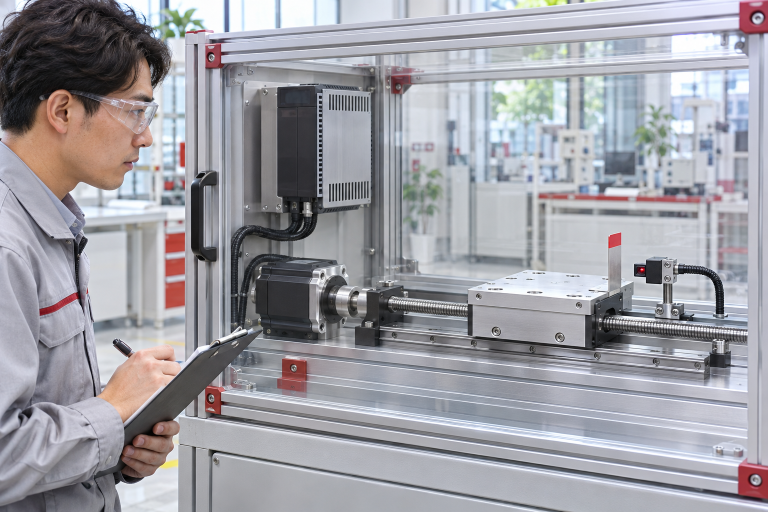
Prepare Mitsubishi MR-J3 servo spares with absolute-position recovery evidence. Keep parameter backups, encoder state and machine home reference distinct.
Drives & Motion
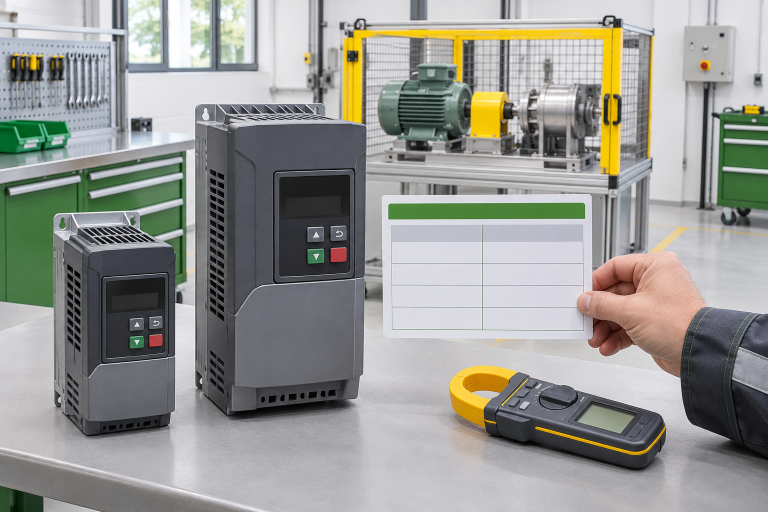
Decode PowerFlex 525 current references using the manufacturer table. Compare full catalog codes, duty basis and supply scope before accepting a spare.

Drives & Motion
Assess Altivar 61 and 71 spare drives using site elevation, current demand and environmental limits. Avoid selecting high-altitude spares by kW alone.
Drives & Motion
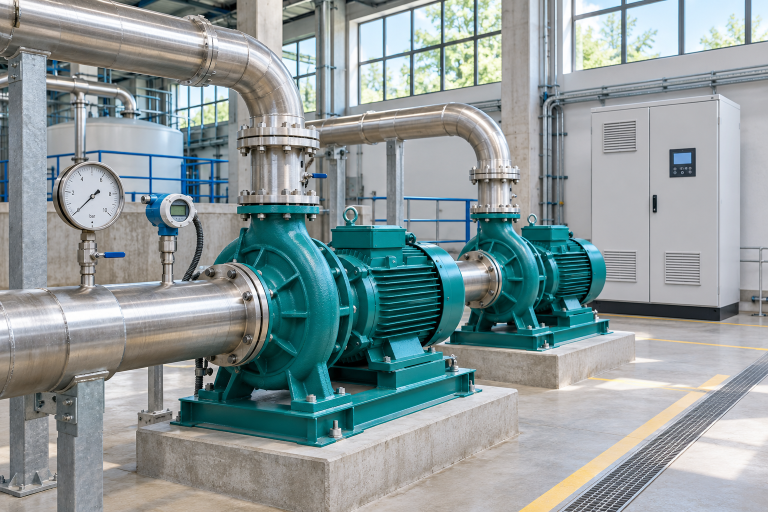
Diagnose ATV61 pump sleep without guessing restart settings. Preserve PID feedback, wake-up criteria and spare identity before replacing hardware.
Use these notes to confirm the model path, then send the part list into RFQ.