
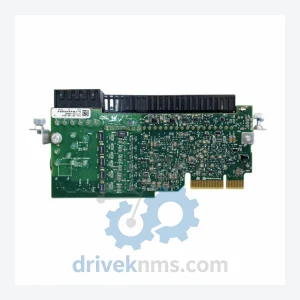
Allen-Bradley 20-750-S Torque Off Module – PowerFlex 750 Series
Allen-Bradley 20-750-S is listed for PowerFlex 750 RFQ review. Confirm quantity, condition and destination before quotation.
RFQ-ready industrial model
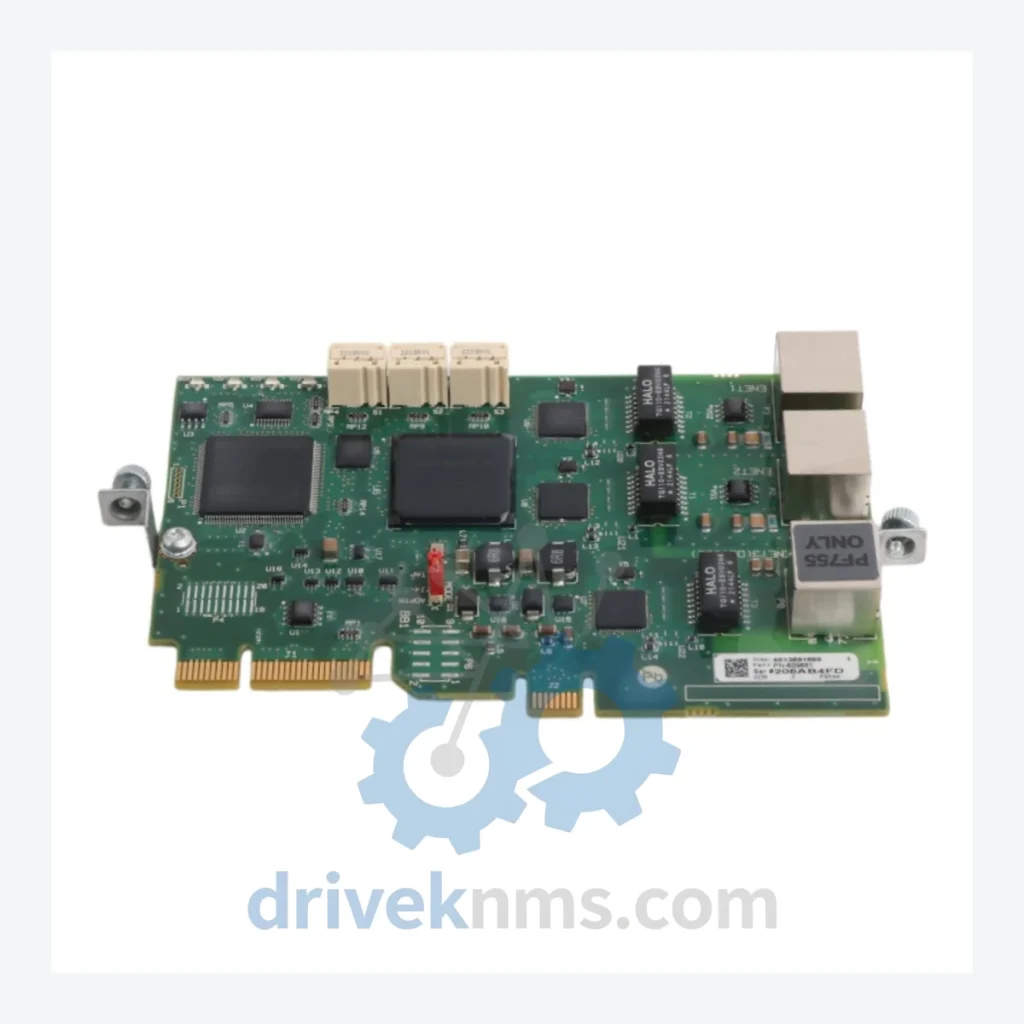
Model: 20-750-ENETR
Product Overview
Commercial availability is handled through direct RFQ, model verification and export-oriented follow-up rather than public cart checkout.
Datasheet Preview
Use attached product manuals when available. If the manual is not public yet, request the full file directly through RFQ.
Commercial Path
Product pages on DRIVEKNMS are designed to verify model, brand and series first, then move the buyer into one clean quotation path.
Technical Dossier
DriveKNMS reviews sourcing options for this model through RFQ handling before quotation.
The PowerFlex 750 platform has been the workhorse of mid-to-large industrial drive installations across automotive, food & beverage, water treatment, and material handling sectors for over a decade. The 20-750-ENETR module is the component that integrates these drives into modern EtherNet/IP control networks — connecting to Allen-Bradley PLCs such as the ControlLogix and CompactLogix families via standard CIP messaging.
Recommended long-lead spare strategy for plant managers: Maintain a minimum of one 20-750-ENETR per three installed PowerFlex 750 drives. For critical single-drive applications (e.g., main conveyor, primary pump), a dedicated hot spare is the only defensible position. Pair this with a documented firmware version log for each installed module to ensure replacement units are matched correctly during emergency swap-outs.
Sourcing a communication module from the secondary market carries legitimate risk. DriveKNMS applies a structured 5-step inspection protocol to every 20-750-ENETR unit before it leaves our facility:
Step 1 – Visual and Physical Inspection: Full examination of the PCB, connector pins, and housing for corrosion, mechanical damage, or evidence of prior field failure. Units with pin oxidation or bent contacts are rejected at this stage.
Step 2 – Electrolytic Capacitor Assessment: Aging electrolytic capacitors are the primary failure mode in stored option modules. Each unit is assessed for capacitor bulge, leakage, and ESR deviation. Units with suspect capacitors are either recapped or removed from inventory.
Step 3 – Firmware Version Verification: The installed firmware version is documented and disclosed. Customers are advised on compatibility with their specific drive firmware revision to prevent communication faults post-installation.
Step 4 – Functional Communication Test: Where test equipment permits, the module is bench-tested for EtherNet/IP enumeration and basic CIP communication response.
Step 5 – Packaging and ESD Protection: Units are repackaged in anti-static bags with desiccant and labeled with inspection date and condition grade prior to shipment.
The 20-750-ENETR is a direct drop-in replacement for any failed or degraded module in the same slot position. No drive re-programming is required beyond restoring the module's IP address configuration — a procedure that takes minutes, not hours. This stands in direct contrast to a drive platform migration, which requires full I/O remapping, PLC program revision, and network topology changes.
Key operational advantages of maintaining 20-750-ENETR spares:
Q: How is condition confirmed before quotation?
A: Available condition, photos, test records and documentation are checked according to the requested model and sourcing channel before a formal RFQ response.
Q: How are RFQ terms confirmed?
A: Quantity, required condition, documentation needs, destination and sourcing route are confirmed during RFQ review before quotation.
Q: How do I verify firmware compatibility before ordering?
A: Provide your drive's catalog number and current firmware revision when inquiring. Our technical team will confirm module firmware compatibility before dispatch review.
Continue The Model Path
Move from this exact model into the matching system hub, brand archive, model-family archive or lifecycle sourcing route before sending a final RFQ list.
Related Paths
Allen-Bradley 20-750-S is listed for PowerFlex 750 RFQ review. Confirm quantity, condition and destination before quotation.
Allen-Bradley 20-750-PBUS is listed for PowerFlex 750 RFQ review. Confirm quantity, condition and destination before quotation.
Allen-Bradley 1785-BEM is listed for PLC-5 RFQ review. Confirm quantity, condition and destination before quotation.