
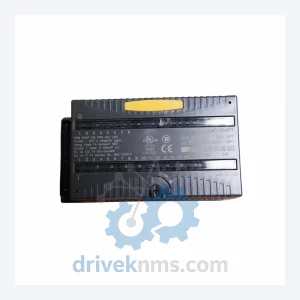
GE IC200MDD845D Discrete I/O Module – Obsolete VersaMax Spare Part
GE Fanuc IC200MDD845D is listed for Versamax RFQ review. Confirm quantity, condition and destination before quotation.
RFQ-ready industrial model
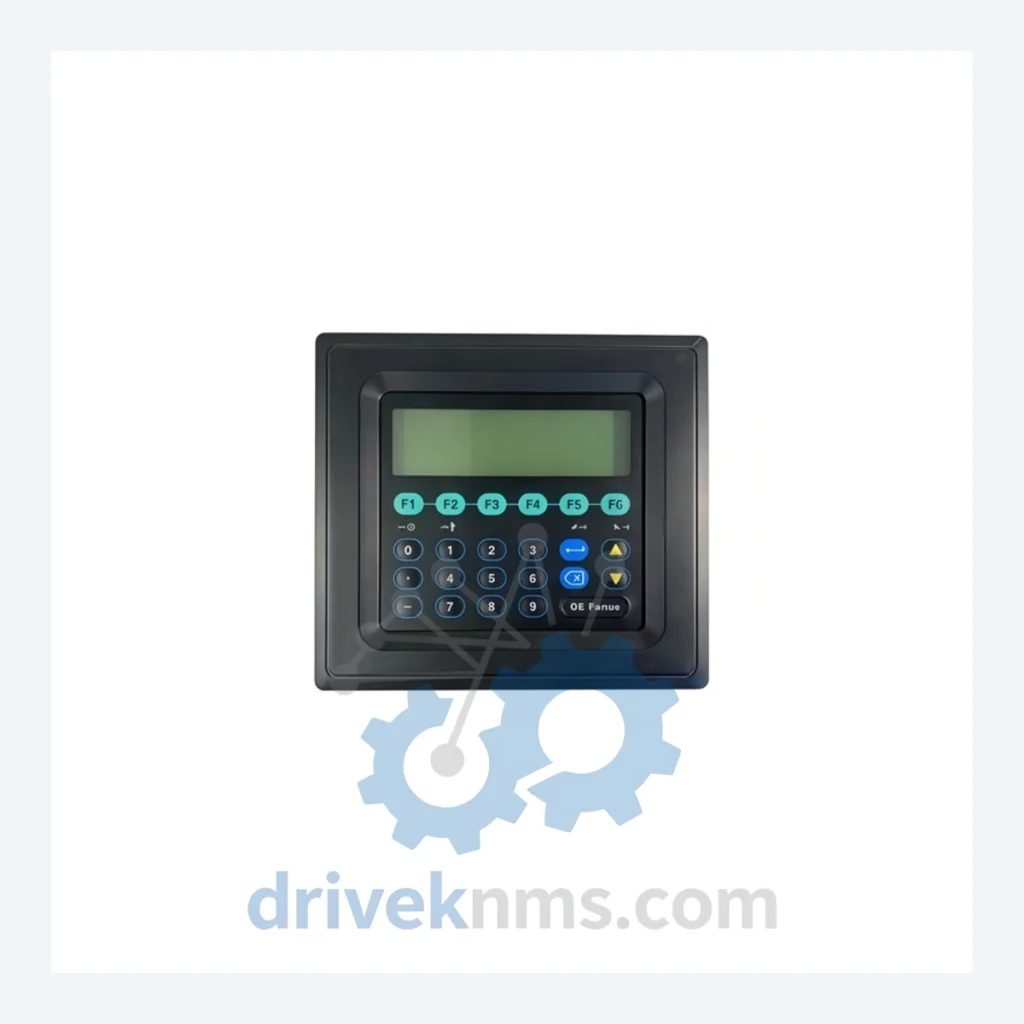
Model: IC752DSX000
Product Overview
Commercial availability is handled through direct RFQ, model verification and export-oriented follow-up rather than public cart checkout.
Datasheet Preview
Use attached product manuals when available. If the manual is not public yet, request the full file directly through RFQ.
Commercial Path
Product pages on DRIVEKNMS are designed to verify model, brand and series first, then move the buyer into one clean quotation path.
Technical Dossier
RFQ support for obsolete parts: Send the model number, required quantity and destination so DriveKNMS can confirm sourcing options before quotation.
Note: Electrical parameters such as supply voltage and display resolution are not published here to prevent specification errors. Contact us for verified datasheet documentation prior to ordering.
The GE VersaMax platform was widely deployed across discrete manufacturing, water treatment, and material handling facilities throughout the 1990s and 2000s. The IC752DSX000 display panel served as the primary operator touchpoint in these installations — providing real-time process data, alarm management, and parameter entry without requiring a separate SCADA workstation.
GE Fanuc's transition to the PACSystems architecture effectively ended active support for VersaMax operator interface hardware. Facilities that did not migrate at the time of the platform transition now face a compounding problem: the installed base continues to age, spare parts inventories have been consumed, and the engineering knowledge required to execute a migration is increasingly scarce and expensive.
Every IC752DSX000 unit processed by DriveKNMS undergoes a structured 5-step inspection protocol before it is offered for sale. This process is designed specifically for the failure modes common to display panel hardware that has been in storage or field service for extended periods:
Q: How is condition confirmed before quotation?
A: Available condition, photos, test records and documentation are checked according to the requested model and sourcing channel before a formal RFQ response.
Q: How do I know the unit is genuine and not a counterfeit?
A: All units are sourced through documented supply chain channels. Physical markings, board revision codes, and component configurations are verified against known-good reference units. We do not source from unverified brokers.
Continue The Model Path
Move from this exact model into the matching system hub, brand archive, model-family archive or lifecycle sourcing route before sending a final RFQ list.
Related Paths
GE Fanuc IC200MDD845D is listed for Versamax RFQ review. Confirm quantity, condition and destination before quotation.
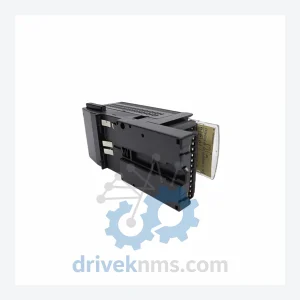
GE Fanuc IC200ALG431 is listed for Versamax RFQ review. Confirm quantity, condition and destination before quotation.
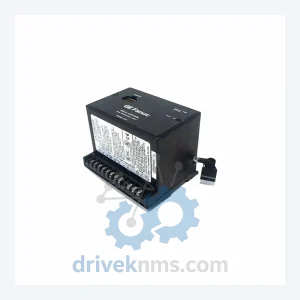
GE Fanuc IC670GBI002 is listed for Versamax RFQ review. Confirm quantity, condition and destination before quotation.