
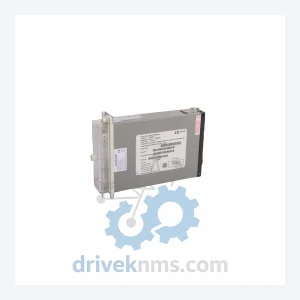
ALSTOM MVAJ105RA0802A Protection Relay – MiCOM Series
Alstom MVAJ105RA0802A is listed for MiCOM Series RFQ review. Confirm quantity, condition and destination before quotation.
RFQ-ready industrial model
Model: GA-USB1-IR
Product Overview
Commercial availability is handled through direct RFQ, model verification and export-oriented follow-up rather than public cart checkout.
Datasheet Preview
Use attached product manuals when available. If the manual is not public yet, request the full file directly through RFQ.
Commercial Path
Product pages on DRIVEKNMS are designed to verify model, brand and series first, then move the buyer into one clean quotation path.
Technical Dossier
RFQ support for obsolete parts: Send the model number, required quantity and destination so DriveKNMS can confirm sourcing options before quotation.
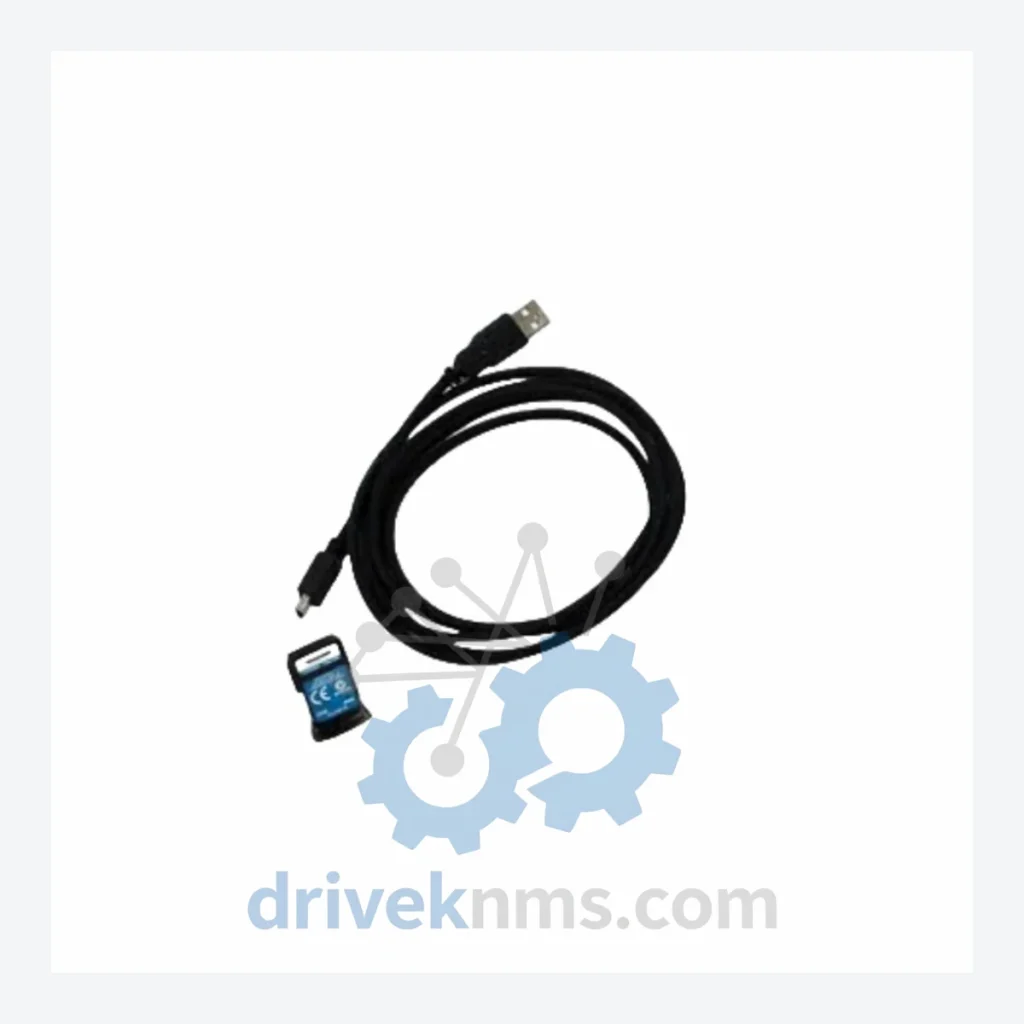
The GA-USB1-IR occupies a narrow but critical position in legacy BW gas detection infrastructure. BW Fleet Manager — the software platform used by safety managers to log calibration events, track bump test intervals, and generate compliance reports — requires a physical IR optical link to communicate with the detector. The GA-USB1-IR provides that link. There is no software workaround and no generic USB adapter that replicates the proprietary IR protocol.
The decision to retire a gas detection fleet is rarely driven by detector failure alone. It is driven by the collapse of the support ecosystem — software compatibility, calibration infrastructure, and interface hardware. Addressing each layer systematically can defer a full system replacement by a decade at a fraction of the capital cost.
1. Secure interface hardware first. The GA-USB1-IR is the most fragile link in the BW Fleet Manager chain. USB connectors degrade with repeated cycling. IR optical windows accumulate contamination. Procure a minimum of two spare units per site and store them in anti-static packaging in a climate-controlled environment.
2. Freeze your software environment. BW Fleet Manager versions compatible with legacy detectors may not run on current operating systems. Maintain a dedicated PC — or a virtual machine snapshot — running the validated OS and software version. Do not apply OS updates without testing compatibility first.
3. Establish a calibration gas supply chain. Detector hardware outlasts calibration gas shelf life. Confirm your gas supplier can continue to provide the correct concentration cylinders for your specific sensor configurations. Single-gas Clip detectors have fixed sensor types — verify availability before the detector fleet reaches end of sensor life.
4. Document your firmware versions. BW detectors store firmware on internal memory. Before any unit is sent for service, record the firmware version. Firmware downgrades are not always possible, and a version mismatch between detector and Fleet Manager can break communication. The GA-USB1-IR is required to perform this verification.
Discontinued parts sourced from secondary markets carry inherent risk. DriveKNMS applies a five-step verification protocol to every GA-USB1-IR unit before dispatch review.
Step 1 – Visual and mechanical inspection. USB connector pins are examined under magnification for bending, corrosion, or contamination. The IR optical window is inspected for crazing, discoloration, or physical damage that would attenuate the optical signal.
Step 2 – Electrolytic capacitor assessment. Units with visible board access are checked for capacitor bulging or electrolyte leakage — a common failure mode in aging electronics stored in variable humidity environments.
Step 3 – Firmware and driver compatibility verification. Where testable, units are connected to a validated BW Fleet Manager installation to confirm the USB IR link is recognized and functional.
Step 4 – Pin and contact corrosion check. All electrical contacts are inspected and, where necessary, treated with appropriate contact cleaner to ensure reliable signal transmission.
Step 5 – Packaging and ESD protection. Verified units are repackaged in anti-static bags with desiccant and labeled with inspection date and condition grade prior to shipment.
How do I confirm the unit is genuine and not a counterfeit?
All units sourced by DriveKNMS are verified against known-good reference units for physical markings, label format, and functional behavior. We do not source from unverified brokers. Provenance documentation is available on request.
Should I purchase more than one unit?
For any facility running BW Fleet Manager as part of a compliance program, holding a minimum of two GA-USB1-IR units is advisable. Global NOS inventory of this part is finite. Once exhausted, no further supply will be available from any source.
Can this kit be used with all BW detectors?
The GA-USB1-IR is designed for BW detectors with an IR optical communication port. Compatibility should be verified against your specific detector model and Fleet Manager version before purchase. Contact us with your detector model number for confirmation.
Continue The Model Path
Move from this exact model into the matching system hub, brand archive, model-family archive or lifecycle sourcing route before sending a final RFQ list.
Related Paths
Alstom MVAJ105RA0802A is listed for MiCOM Series RFQ review. Confirm quantity, condition and destination before quotation.
Moore 16137-174 is listed for Servo Drives RFQ review. Confirm quantity, condition and destination before quotation.
Fuji Electric EP-3364B-CA-Z2 is listed for FRENIC Series RFQ review. Confirm quantity, condition and destination before quotation.