
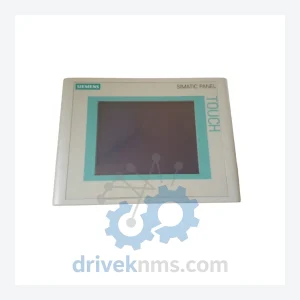
Siemens 6AV6640-0CA11-0AX1 HMI Operator Panel – Obsolete SIMATIC HMI Spare Part
Siemens 6AV6640-0CA11-0AX1 is listed for SIMATIC HMI RFQ review. Confirm quantity, condition and destination before quotation.
RFQ-ready industrial model
Model: 6AV2124-0UC02-0AX1
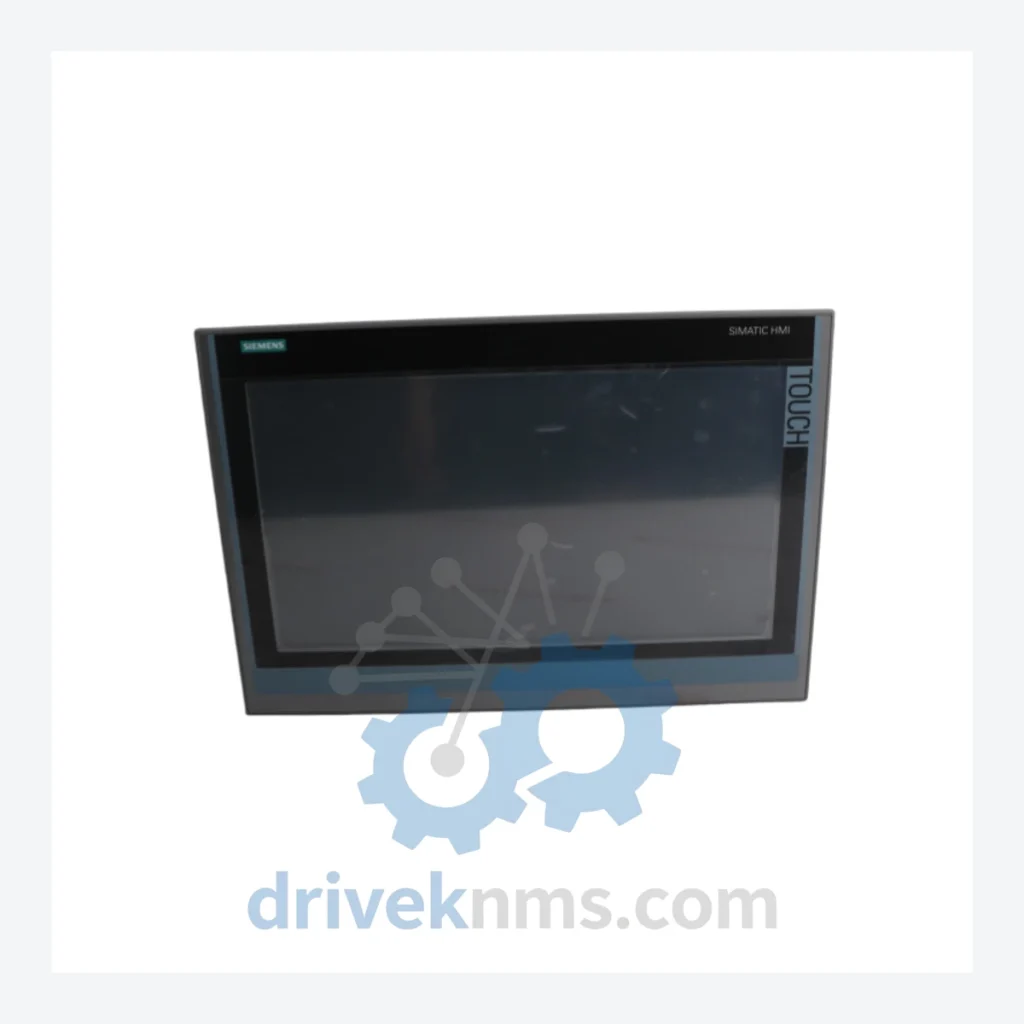
Product Overview
Commercial availability is handled through direct RFQ, model verification and export-oriented follow-up rather than public cart checkout.
Datasheet Preview
Use attached product manuals when available. If the manual is not public yet, request the full file directly through RFQ.
Commercial Path
Product pages on DRIVEKNMS are designed to verify model, brand and series first, then move the buyer into one clean quotation path.
Technical Dossier
| Part Number | 6AV2124-0UC02-0AX1 |
| Product Family | SIMATIC HMI Comfort Panel |
| Display Size | 15.4" Widescreen TFT |
| Resolution | 1280 × 800 px |
| Touch Technology | Resistive, single-touch |
| Operating System | Windows CE 6.0 |
| Interfaces | 2× PROFINET, 2× USB, 1× MPI/PROFIBUS DP, 1× SD card slot |
| Supply Voltage | 24 V DC (20.4–28.8 V) |
| Power Consumption | Approx. 40 W |
| Protection Rating | IP65 (front panel) |
| Operating Temperature | 0 °C to +50 °C |
| Compatible Controllers | SIMATIC S7-300, S7-400, S7-1200, S7-1500, WinCC |
| Country of Origin | Germany |
| Current Status | Active product – classified as critical long-lead spare |
Facilities that have extended the service life of their SIMATIC installations by 5–10 years beyond the original design horizon consistently cite three practices: maintaining a dedicated HMI spare pool, establishing a firmware version registry so replacements are configured identically to the failed unit, and partnering with a specialist supplier capable of sourcing units outside the standard distribution network. DriveKNMS operates specifically within that third category.
Every 6AV2124-0UC02-0AX1 unit processed through DriveKNMS undergoes a structured five-stage inspection before dispatch:
How do I confirm the unit is new or properly refurbished?
New units are supplied in original Siemens packaging with intact factory seals. Refurbished units are supplied with a DriveKNMS inspection report detailing each stage of the QA process and the firmware version installed. We do not ship units that have not passed all five inspection stages.
Should I hold more than one spare?
For production environments running two or more shifts, holding a minimum of two units is standard practice. HMI panels in high-cycle environments — where operators interact with the screen continuously — experience accelerated touch layer wear. A second spare eliminates the risk of a second failure occurring during the procurement cycle for the first replacement.
Continue The Model Path
Move from this exact model into the matching system hub, brand archive, model-family archive or lifecycle sourcing route before sending a final RFQ list.
Related Paths
Siemens 6AV6640-0CA11-0AX1 is listed for SIMATIC HMI RFQ review. Confirm quantity, condition and destination before quotation.
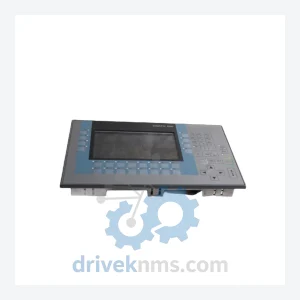
Siemens 6AV2124-1GC01-0AX0 is listed for HMI Panels RFQ review. Confirm quantity, condition and destination before quotation.
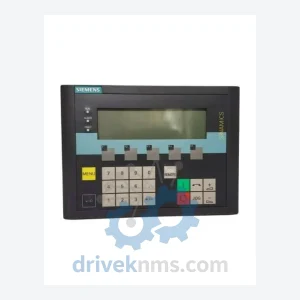
Siemens 6SL3055-0AA00-4CA5 is listed for SINAMICS RFQ review. Confirm quantity, condition and destination before quotation.