
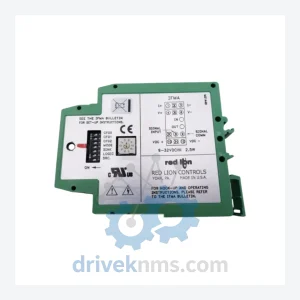
Red Lion IFMA0035 I/O Module – Obsolete Modular Controller Spare Part
Red Lion IFMA0035 I/O Module – Obsolete Modular Controller Spare Part When a Red Lion IFMA0035 I/O module fails in…
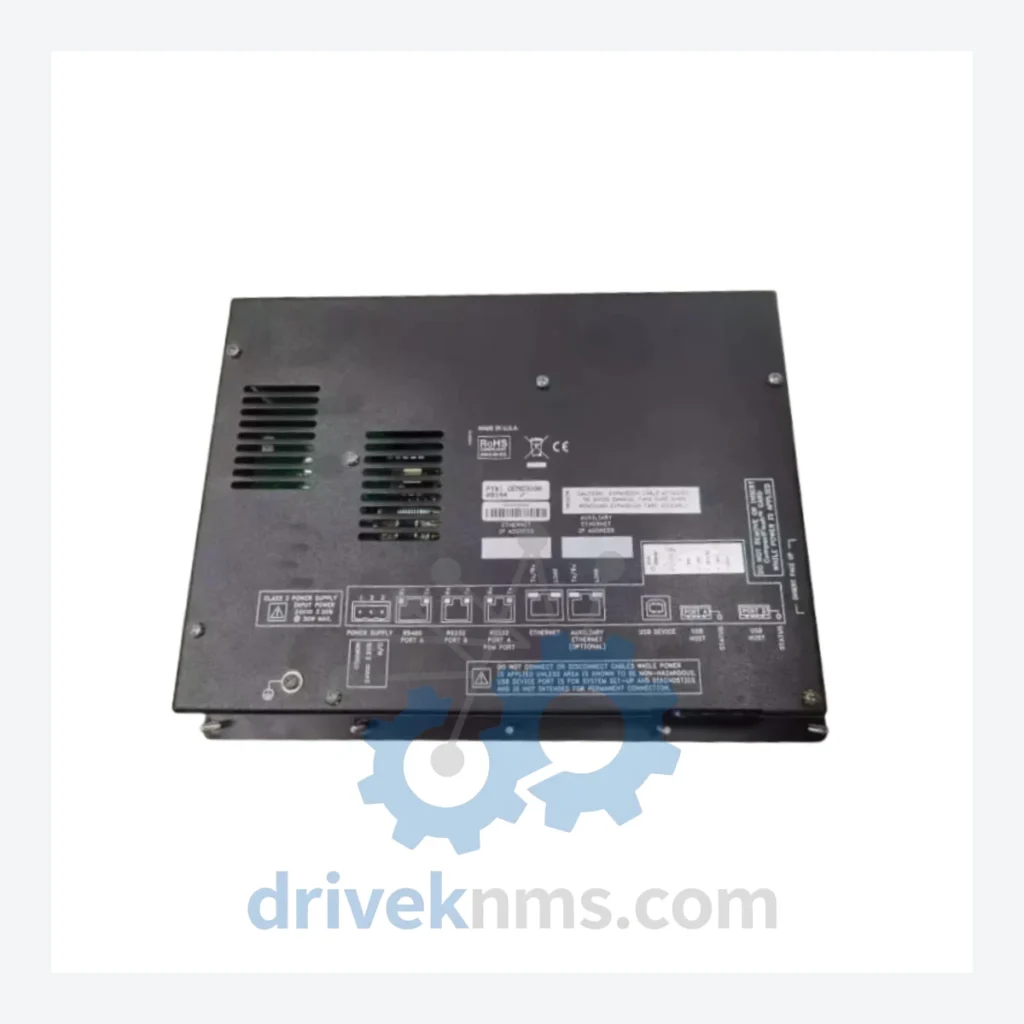
Model: OEMG3D30
Product Overview
Commercial availability is handled through direct RFQ, model verification and export-oriented follow-up rather than public cart checkout.
Datasheet Preview
Use attached product manuals when available. If the manual is not public yet, request the full file directly through RFQ.
Commercial Path
Product pages on DRIVEKNMS are designed to verify model, brand and series first, then move the buyer into one clean quotation path.
Technical Dossier
When a Red Lion OEMG3D30 panel fails on an active production line, the consequences extend well beyond the cost of the component itself. Replacing a legacy OEM/G3-based control architecture with a modern equivalent typically requires new PLC hardware, updated SCADA licensing, panel re-engineering, operator retraining, and extended commissioning downtime — a process that routinely exceeds six figures in total project cost. DriveKNMS maintains verified stock of the OEMG3D30 specifically to prevent that outcome. This is not a commodity listing. It is a targeted asset-protection resource for facilities that have made a deliberate decision to sustain their existing infrastructure rather than absorb the cost and risk of a forced upgrade.
| Parameter | Detail |
|---|---|
| Part Number | OEMG3D30 |
| Manufacturer | Red Lion Controls |
| Series | OEM/G3 (G3 OEM Panel Series) |
| Product Type | Touch Screen Operator Interface / HMI Panel |
| Discontinuation Status | Discontinued – No longer manufactured or sold by Red Lion Controls |
| Country of Origin | United States |
| Compatible Systems | Red Lion G3 OEM-series control panels; legacy machine-level HMI architectures using G3 firmware |
| Communication | Refer to original system documentation; parameters not independently verified |
Note: Electrical parameters for discontinued components carry direct safety implications. Only specifications confirmed against original Red Lion documentation are listed above. DriveKNMS does not publish unverified data.
The Red Lion OEM/G3 platform was widely deployed in machine-level HMI applications across manufacturing, packaging, and process industries. The OEMG3D30 served as the operator-facing display and input interface within these systems — the single point through which operators monitored process variables, acknowledged alarms, and initiated control sequences.
When this component reaches end-of-life through failure or damage, the control system does not simply degrade — it stops. There is no modern drop-in equivalent that retains the original G3 firmware environment, communication mappings, and screen logic without a full re-engineering effort. Facilities that have not secured spare inventory face a binary choice: source the original part or fund a system replacement project.
For plant managers operating under capital expenditure constraints, the calculus is straightforward. A verified OEMG3D30 spare extends the operational life of the existing asset by years, at a fraction of the cost of a replacement project. The machine continues to run. Production targets are met. The capital budget remains intact.
How to extend your automation asset life by 5–10 years through strategic spare parts management:
Sourcing a discontinued component from an unverified channel introduces risk that can exceed the cost of the part itself. A failed spare that passes visual inspection but fails under load causes the same downtime as no spare at all — with the added cost of the procurement cycle already spent.
DriveKNMS applies a 5-step inspection protocol to all obsolete HMI units before they are offered for sale:
What warranty applies to a discontinued component?
DriveKNMS provides a 90-day functional warranty on all inspected obsolete parts. This covers failure under normal operating conditions and excludes physical damage incurred after installation. Extended coverage options are available — contact us to discuss.
How do I confirm the unit is new or quality-refurbished?
Each unit is graded prior to sale: New Old Stock (NOS), Tested Surplus, or Professionally Refurbished. The condition grade is stated explicitly in the order confirmation. We do not sell untested or uninspected units.
Should I purchase more than one unit?
For any system where the OEMG3D30 is the sole operator interface and no modern substitute exists, holding a minimum of two spare units is a defensible maintenance strategy. The cost of a second unit is negligible relative to the cost of a sourcing delay during an unplanned outage. If your facility operates multiple machines on the same platform, a shared pool of three to five units is appropriate.
Can DriveKNMS source additional units if I need more?
Availability of discontinued components fluctuates. Current stock levels are confirmed at the time of inquiry. For volume requirements or long-term supply agreements, contact us directly to discuss options.
Related Paths
Red Lion IFMA0035 I/O Module – Obsolete Modular Controller Spare Part When a Red Lion IFMA0035 I/O module fails in…
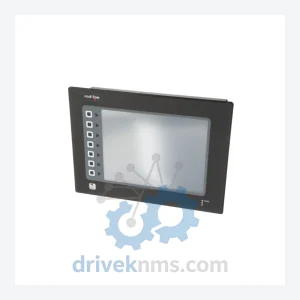
Red Lion G3 Series: Comprehensive Module Range and Technical Overview The Red Lion G3 Series is a line of compact…
ALSTOM MVAJ105RA0802A Protection Relay: Supply Continuity Strategy for a Discontinued Critical Component The ALSTOM MVAJ105RA0802A is a numerical protection relay…