
Confirm brand and system context
Start from Aptech, then identify whether the request belongs to PLC, DCS, drive, obsolete or replacement sourcing.
Brand Archive
This archive groups published products and support content under a consistent brand pathway for cleaner SEO and easier buyer navigation.
Aptech Route Map
Start from Aptech, then identify whether the request belongs to PLC, DCS, drive, obsolete or replacement sourcing.
Use series routes represented by published models before opening every product record.
Confirm model number, suffix, revision, condition requirement and destination before quotation.
Submit single-model or mixed-list RFQs with enough context for sourcing follow-up.
Brand RFQ Checklist
Use these details to connect the brand request to the right system, series and model route before quotation.
Pre-quote Details
System And Lifecycle Context
Use these Hub pages when the request starts from a PLC, DCS, drive, obsolete stock, replacement or legacy-system requirement.
Published Brand Models
Showing all 2 results
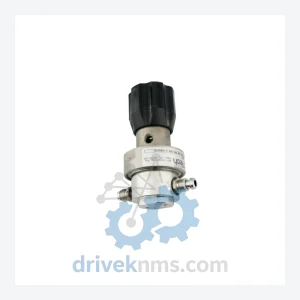
Aptech AP1406TSM 2PW MV4 MVE4 P AP1402TS 2PW MVE4 MVE4 P 63039620193 7030_02 is listed for AP14 Series RFQ review. Confirm quantity, condition and…
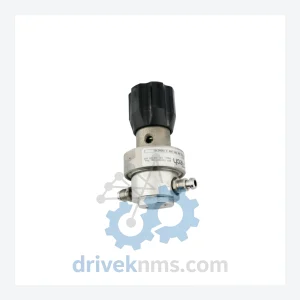
Aptech AP1510S 5PWCS MV4 MV4FV4FV4FV4 02-007356D03 0050-26108 852B12TBB2GC is listed for Controller Cards RFQ review. Confirm quantity, condition and destination before quotation.
Adjacent Brand Paths
Buyers often compare nearby vendor families before sending the exact model list. Keep navigation tight and move into RFQ once the scope is clear.
FAQ
Send exact model numbers, quantity, destination, required condition and any installed-system or revision notes.
Yes. Mixed-model and mixed-system RFQs can be reviewed together when each line includes model and quantity details.
Brand and series context helps buyers avoid wrong model routes when similar parts belong to different systems or generations.