Advisory reviews often focus on patching, isolation, or device replacement. For monitoring teams, the final question is more practical: after the spare is installed, do operators actually have alarms, visibility, trends, and confidence? HMI alarm acceptance should be part of the recovery plan, not an afterthought.
DriveKNMS readers know that monitoring failures are rarely judged by whether a computer boots. They are judged by whether operators can see the process, trust the alarms, and make decisions during abnormal conditions. A spare HMI panel or industrial PC must be validated against that operational need.
Define what operators need back first
List the screens, alarms, trend groups, reports, and remote views that matter during startup, shutdown, and upset conditions. Some displays are convenient; others are essential. The recovery plan should identify the essential set.
Keep this in monitoring systems records with host hardware, software version, gateway dependencies, backup location, and acceptance owner.
A useful acceptance test includes live data, alarm display, alarm acknowledgement, trend update, user login, printer or report output if used, and operations sign-off.
Match spares to the alarm path
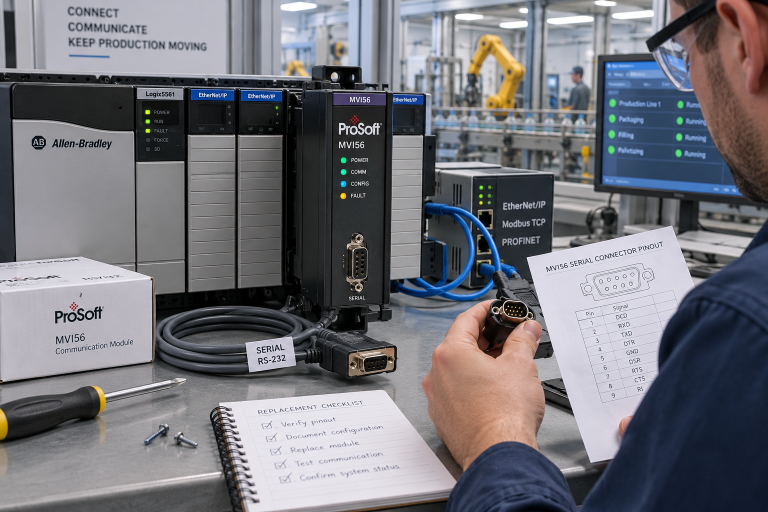
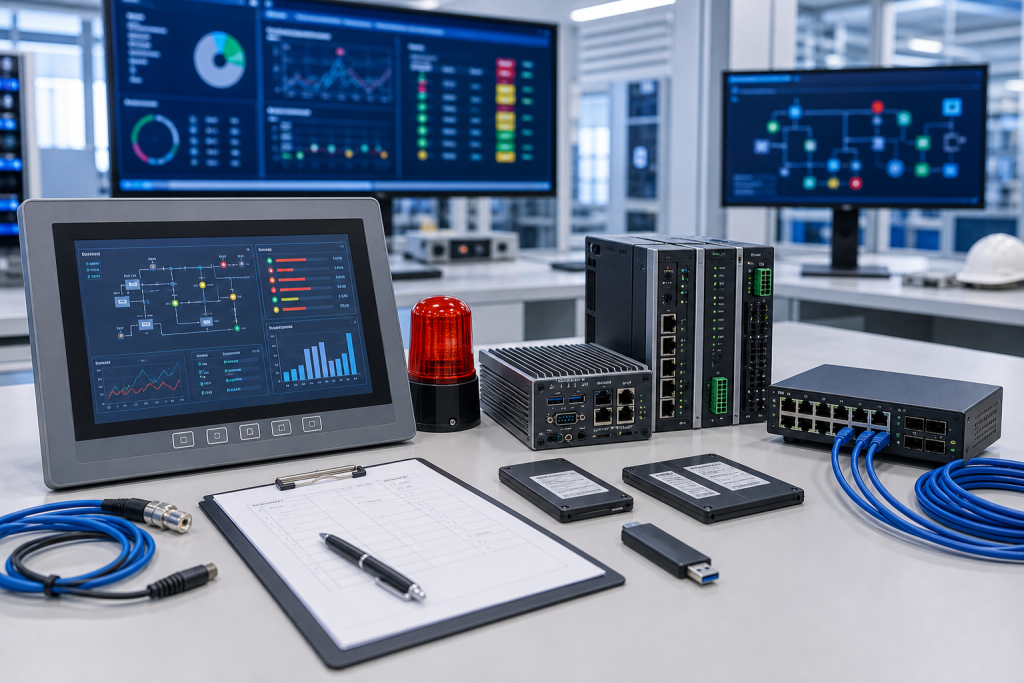
The spare kit may include HMI panel, industrial PC, SSD, power supply, network card, gateway, switch, cables, license device, and project backup. Missing one piece can leave the system visible but not trustworthy.
If the HMI depends on a PLC gateway or historian server, include that dependency in the spare record. Many alarm issues are actually gateway, time sync, database, or user-permission issues.
For remote or packaged equipment, record whether an OEM or integrator must restore the project. The spare is incomplete if the commissioning owner is unknown.
Make acceptance a procurement requirement
When requesting HMI or monitoring spares, state the operational role. A panel for bench testing, a replacement for a packaging line, and a control-room alarm station do not carry the same risk.
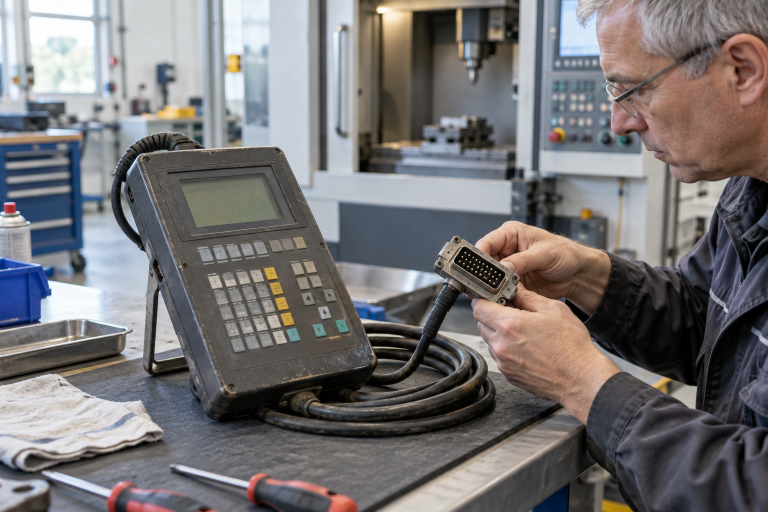
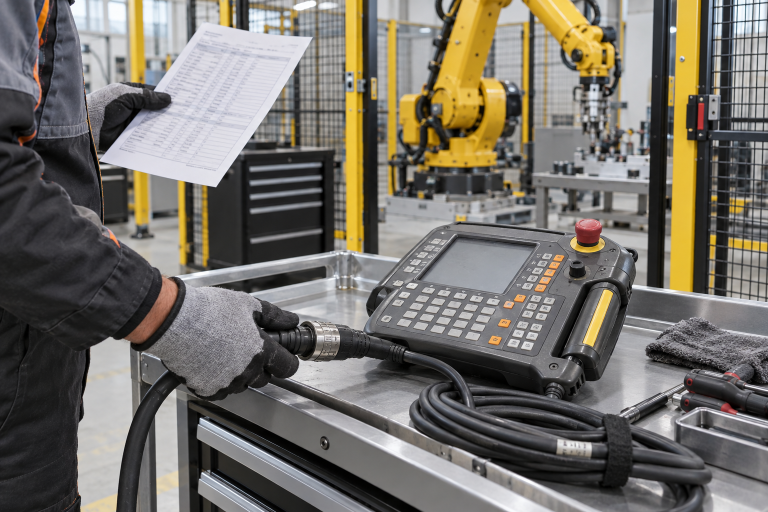
Ask suppliers for exact photos, storage details, accessory scope, and dispatch timing. If a substitute is offered, engineering must confirm screen compatibility, port layout, software version, power, mounting, and restore steps.
After receiving the spare, attach a test note: powered only, project restored, alarms validated, or pending engineering review. That status keeps the shelf honest.
Procurement and receiving discipline
A useful RFQ separates immediate replacement, planned shelf stock, test-bench hardware, repair exchange, and possible substitute. These are not the same purchasing need. Immediate replacement needs dispatch certainty and accessory completeness. Planned stock can allow more time for condition comparison. Test hardware may be acceptable with a narrower configuration if it is clearly labeled and never treated as production-approved stock.
Ask for actual photos, visible labels, port views, accessory scope, condition language, warranty terms, and realistic shipment timing. Compare device-only quotes against field-ready kits carefully. A low price can become expensive when a missing connector, memory card, cable, power supply, mounting part, or configuration owner forces a second shipment during the maintenance window.
Receiving inspection should mirror the RFQ. Confirm model, ports, power input, accessory count, packaging, visible condition, and included documents before the item enters stores. If firmware, software, backup, or approval status is unknown, mark it unknown. Clear uncertainty is safer than a quiet assumption that will surprise the next technician.
Keep the record alive
After the order, save the original RFQ photos, supplier photos, final quote, received-item photos, and engineering comments together. That file becomes the next buyer’s starting point. It also helps the maintenance team when the same platform appears in a later advisory, outage, shutdown, or modernization review.
Use simple status labels: exact match, possible substitute, repair option, test bench only, and rejected. A conditional spare should not sit on the shelf pretending to be an exact replacement. Stores staff and night-shift technicians need the same clarity as the engineer who approved the quote.
Review the record after the next field repair. If a cable, license note, backup file, terminal plug, network setting, or configuration owner became the bottleneck, add that lesson to the standard kit. Spare planning improves when purchasing evidence and repair evidence are allowed to meet.
Risk grading keeps the work practical. Not every item deserves the same shelf depth, but every critical item deserves a clear decision. Rank by downtime consequence, lead time, substitute confidence, backup complexity, local skill, and whether the plant can still operate while waiting. This turns spare planning from opinion into a defensible maintenance action.
A short review rhythm is enough for most teams. Before shutdowns, pull the highest-risk records, confirm the spare still exists, check that accessories remain boxed with it, and verify that the named technical owner is still current. Quiet drift is common in store rooms; catching it early is far cheaper than discovering it during a night callout.
FAQ
What is HMI alarm acceptance?
It is the check that restored HMI hardware actually shows live data, alarms, trends, user access, and operator-approved visibility.
What should be in an HMI recovery kit?
Include panel or industrial PC, storage, power, network parts, gateway notes, license evidence, backup media, and acceptance checklist.
Can a similar HMI panel be used?
Only if engineering confirms software, resolution, ports, power, mounting, licenses, and project restore compatibility.
What should I send DriveKNMS?
Send panel photos, host details, backup status, alarm role, accessory list, condition, destination, and deadline through the request a quote channel.
Send DriveKNMS your HMI alarm recovery gaps and safe hardware photos. We can help identify the spares that restore operator visibility, not just power.
© 2026 DriveKNMS. All rights reserved. Official Website: https://driveknms.com Inquiry: sale@driveknms.com | WhatsApp/Tel: +86 18359293191