
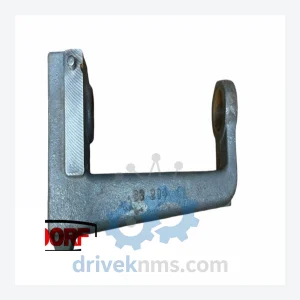
Bachmann BS204 Backplane Module – M200 Series
Bachmann BS204 is listed for M200 Series RFQ review. Confirm quantity, condition and destination before quotation.
RFQ-ready industrial model
Model: FS221/N
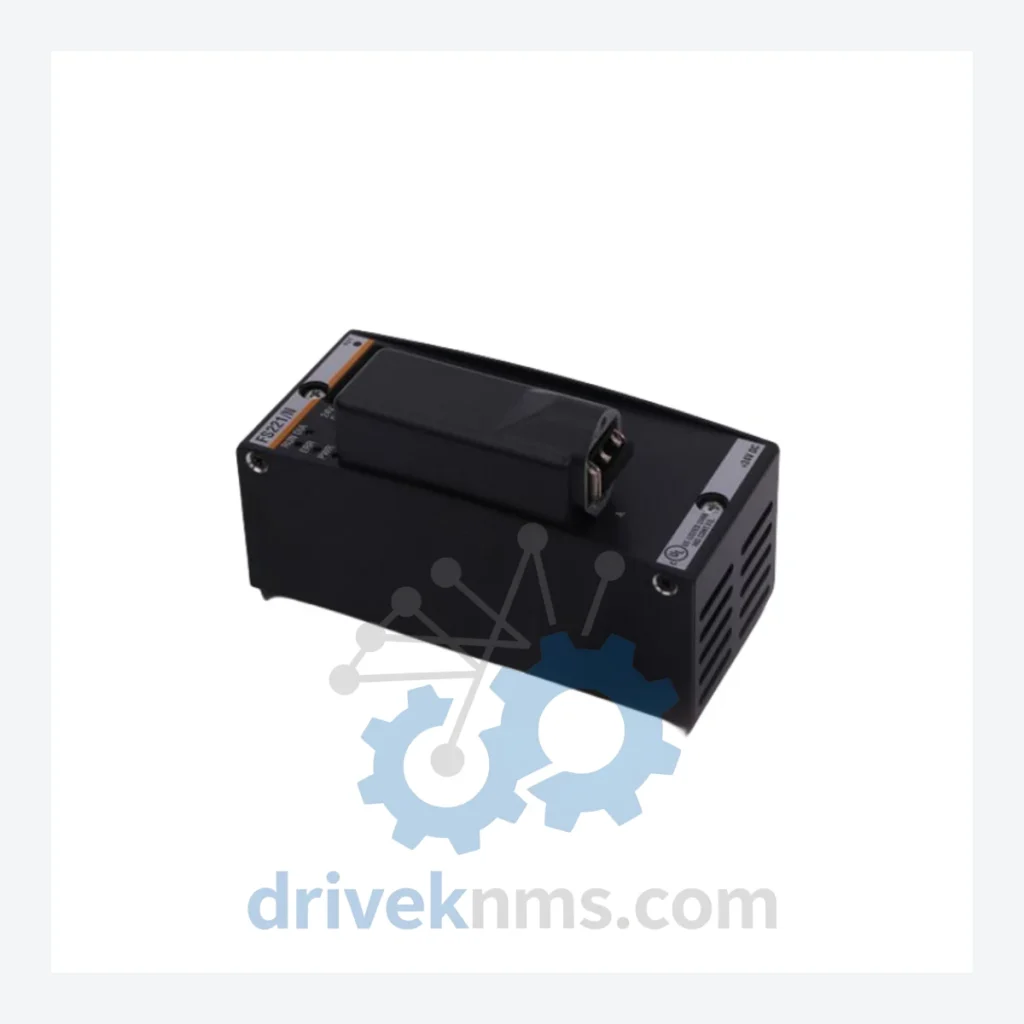
Product Overview
Commercial availability is handled through direct RFQ, model verification and export-oriented follow-up rather than public cart checkout.
Datasheet Preview
Use attached product manuals when available. If the manual is not public yet, request the full file directly through RFQ.
Commercial Path
Product pages on DRIVEKNMS are designed to verify model, brand and series first, then move the buyer into one clean quotation path.
Technical Dossier
RFQ support for obsolete parts: Send the model number, required quantity and destination so DriveKNMS can confirm sourcing options before quotation.
Note: Electrical parameters not independently verified. Specifications are based on known series characteristics. Buyers are advised to cross-reference with original system documentation.
Bachmann FASTBUS systems were deployed extensively in industrial automation, process control, and power management applications throughout the 1990s and 2000s. Many of these installations remain operational today — not because replacement is impossible, but because the cost and risk of replacement are prohibitive. A single FASTBUS rack may interface with dozens of field devices, custom-engineered I/O mappings, and proprietary communication protocols that have no equivalent in current-generation platforms.
The FS221/N module occupies a specific functional role within this architecture. When it fails, the system does not degrade gracefully — it stops. Plant managers facing this scenario have two options: source a replacement FS221/N and restore operation within hours, or commit to a full system migration that will consume engineering resources for months. The economics are not ambiguous. A single spare module, properly stored and validated, can extend the productive life of an entire automation asset by five to ten years. That is not a theoretical figure — it is the documented experience of maintenance teams across the process industries who have chosen strategic spares procurement over premature capital expenditure.
Every FS221/N unit processed by DriveKNMS passes a structured five-stage quality protocol before dispatch:
Can you verify compatibility with my specific system configuration?
Yes. Provide your system model, firmware version, and backplane configuration via email and our technical team will confirm compatibility before you commit to purchase.
Continue The Model Path
Move from this exact model into the matching system hub, brand archive, model-family archive or lifecycle sourcing route before sending a final RFQ list.
Related Paths
Bachmann BS204 is listed for M200 Series RFQ review. Confirm quantity, condition and destination before quotation.
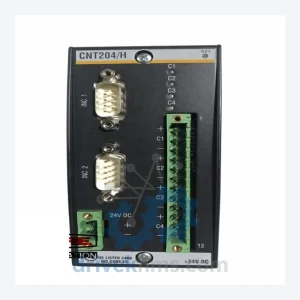
Bachmann CNT204 is listed for Controller Cards RFQ review. Confirm quantity, condition and destination before quotation.
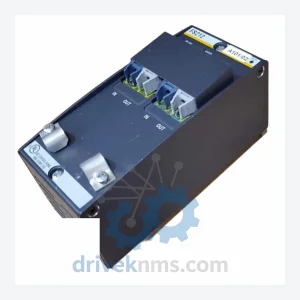
Bachmann FS212/N is listed for FS212/N FS200 Series RFQ review. Confirm quantity, condition and destination before quotation.