
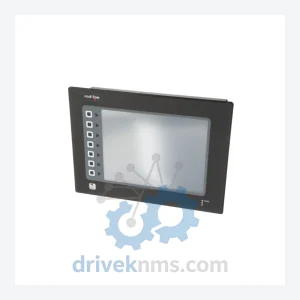
Red Lion G3 Series Operator Interface Modules G310C000
Red Lion Controls G310C000 is listed for HMI Panels RFQ review. Confirm quantity, condition and destination before quotation.
RFQ-ready industrial model
Model: OEMG3D30
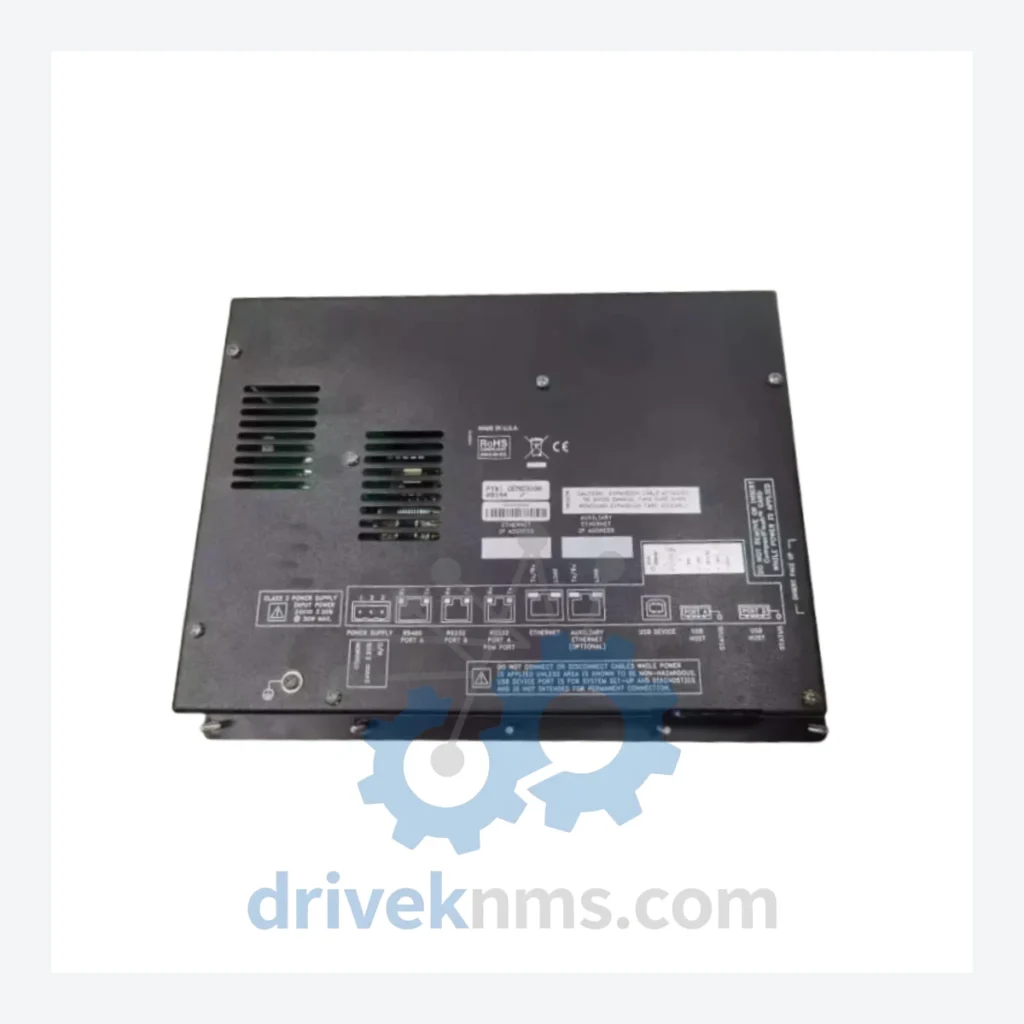
Product Overview
Commercial availability is handled through direct RFQ, model verification and export-oriented follow-up rather than public cart checkout.
Datasheet Preview
Use attached product manuals when available. If the manual is not public yet, request the full file directly through RFQ.
Commercial Path
Product pages on DRIVEKNMS are designed to verify model, brand and series first, then move the buyer into one clean quotation path.
Technical Dossier
RFQ support for obsolete parts: Send the model number, required quantity and destination so DriveKNMS can confirm sourcing options before quotation.
| Parameter | Detail |
|---|---|
| Part Number | OEMG3D30 |
| Manufacturer | Red Lion Controls |
| Series | OEM/G3 (G3 OEM Panel Series) |
| Product Type | Touch Screen Operator Interface / HMI Panel |
| Discontinuation Status | Discontinued – No longer manufactured or sold by Red Lion Controls |
| Country of Origin | United States |
| Compatible Systems | Red Lion G3 OEM-series control panels; legacy machine-level HMI architectures using G3 firmware |
| Communication | Refer to original system documentation; parameters not independently verified |
Note: Electrical parameters for discontinued components carry direct safety implications. Only specifications confirmed against original Red Lion documentation are listed above. DriveKNMS does not publish unverified data.
The Red Lion OEM/G3 platform was widely deployed in machine-level HMI applications across manufacturing, packaging, and process industries. The OEMG3D30 served as the operator-facing display and input interface within these systems — the single point through which operators monitored process variables, acknowledged alarms, and initiated control sequences.
When this component reaches end-of-life through failure or damage, the control system does not simply degrade — it stops. There is no modern drop-in equivalent that retains the original G3 firmware environment, communication mappings, and screen logic without a full re-engineering effort. Facilities that have not secured spare inventory face a binary choice: source the original part or fund a system replacement project.
For plant managers operating under capital expenditure constraints, the calculus is straightforward. A verified OEMG3D30 spare extends the operational life of the existing asset by years, at a fraction of the cost of a replacement project. The machine continues to run. Production targets are met. The capital budget remains intact.
How to extend your automation asset life by 5–10 years through strategic spare parts management:
DriveKNMS applies a 5-step inspection protocol to all obsolete HMI units before they are offered for sale:
Should I purchase more than one unit?
For any system where the OEMG3D30 is the sole operator interface and no modern substitute exists, holding a minimum of two spare units is a defensible maintenance strategy. The cost of a second unit is negligible relative to the cost of a sourcing delay during an unplanned outage. If your facility operates multiple machines on the same platform, a shared pool of three to five units is appropriate.
Continue The Model Path
Move from this exact model into the matching system hub, brand archive, model-family archive or lifecycle sourcing route before sending a final RFQ list.
Related Paths
Red Lion Controls G310C000 is listed for HMI Panels RFQ review. Confirm quantity, condition and destination before quotation.
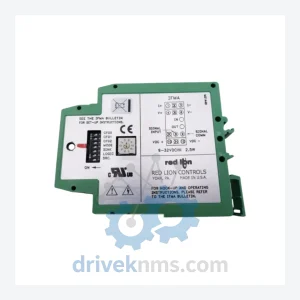
Red Lion Controls IFMA0035 is listed for Servo Drives RFQ review. Confirm quantity, condition and destination before quotation.
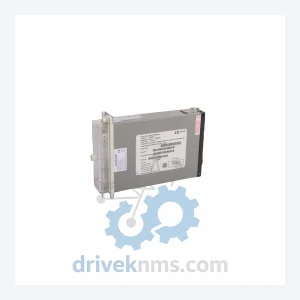
Alstom MVAJ105RA0802A is listed for MiCOM Series RFQ review. Confirm quantity, condition and destination before quotation.