
Confirm series identity
Start with TDC 3000 / TPS, then confirm brand, platform and installed-system context.
Series Archive
Series-level archive pages group focused product searches and related modules under one industrial buying path.
Series RFQ Focus
Use this TDC 3000 / TPS route to review published model pages, identify replacement candidates and send one RFQ with quantity, condition and destination details.
Series RFQ Checklist
Include these details so the series route can be checked before quotation.
Series Route Map
Start with TDC 3000 / TPS, then confirm brand, platform and installed-system context.
Connect the series to PLC, DCS, drive, obsolete, replacement or legacy-system sourcing routes.
Use active brand routes inside this series before opening exact product pages.
Confirm model number, revision, quantity, condition and destination for quotation follow-up.
System And Lifecycle Context
DCS and control-system requests should include the installed platform, module role, revision and lifecycle notes.
Primary route: DCS Systems. Use the related Hub links when the request also involves obsolete, replacement or legacy-system context.
Brands In This Series
These brand routes are built from published models inside this series, so buyers can compare the same model-family path by manufacturer before sending an RFQ.
Showing all 6 results
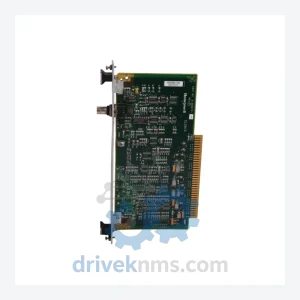
Honeywell 51305072-200 is listed for TDC 3000 / TPS RFQ review. Confirm quantity, condition and destination before quotation.
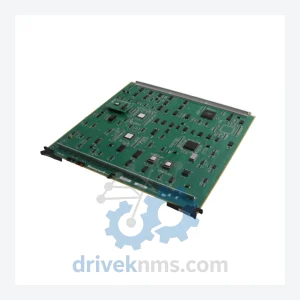
Honeywell 51306673-200 is listed for TDC 3000 / TPS RFQ review. Confirm quantity, condition and destination before quotation.
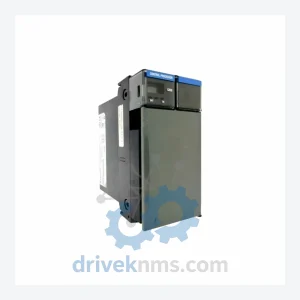
Honeywell TC-RPSCA1 TC-RPSC04 is listed for TDC 3000 / TPS RFQ review. Confirm quantity, condition and destination before quotation.
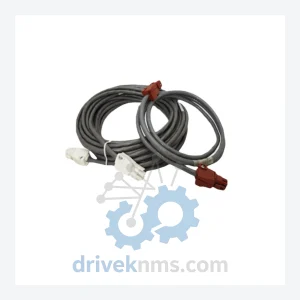
Honeywell 51202971-500/51202971-501/51202971-502 is listed for TDC 3000 / TPS RFQ review. Confirm quantity, condition and destination before quotation.
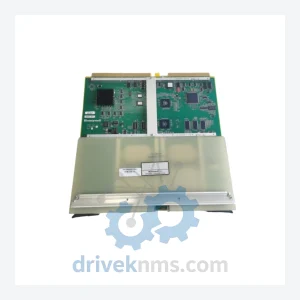
Honeywell 51305542-100 is listed for TDC 3000 / TPS RFQ review. Confirm quantity, condition and destination before quotation.
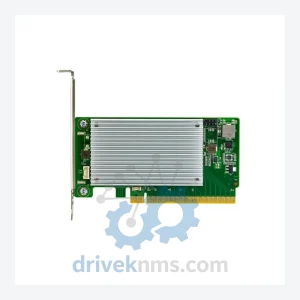
Honeywell 51454241-135 is listed for TDC 3000 / TPS RFQ review. Confirm quantity, condition and destination before quotation.
Nearby Series Routes
Series-level buyers usually compare close model families, then escalate to RFQ when compatibility or replacement scope needs confirmation.
FAQ
Send exact model numbers, brand, quantity, destination, required condition and any revision or installed-system notes.
Series context helps confirm platform generation, compatibility risk and the correct exact model page before quotation.
Yes. A mixed model list can be reviewed together when each line includes model number, quantity and destination.