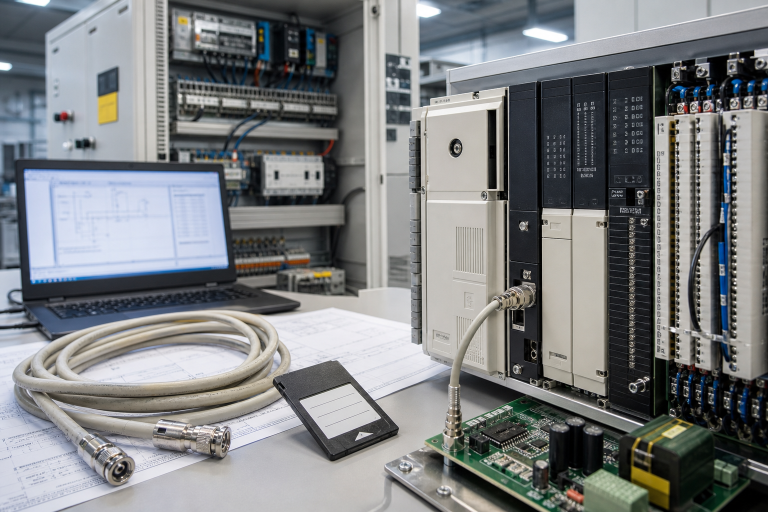
Rockwell Automation’s recent message about practical autonomous operations is aimed at the future of the plant, but it also highlights a present maintenance reality: manufacturers want to build on the control infrastructure they already have. ControlLogix 1756 systems are often the foundation beneath that ambition. When a controller or output module fails, the plant needs a recovery path that protects the current line while leaving room for a staged modernization.
The mistake is to treat a 1756 spare as a box swap. The controller state includes the project, firmware, communication settings, retentive data, chassis position and the behavior of every connected device. A disciplined spare record reduces the chance that a new module starts successfully but the line does not.
Capture the controller state before the outage
Record the exact processor, series, revision, firmware, chassis, power supply, network modules and remote I/O. Export the approved project from the authorized engineering workstation and store the file with a checksum and owner. Capture the controller diagnostics, key tags, connection list and normal scan or load information. Photograph the rack order and terminal wiring.
Do not rely on a backup that has never been restored. Open the project in a controlled environment and confirm that the required profiles, add-on instructions and network paths are available. Note which devices require a controlled restart and which values must be preserved. This is especially important where the line includes drives, safety systems or recipe data.
Separate processor, chassis and network faults
Start with power. Measure the chassis supply under load and inspect the power supply, backplane contacts and grounding. Then examine the Ethernet path: switch port, cable, duplicate address, connection timeout and device status. If the controller is faulted, capture the major fault and program state before resetting it. A reset can remove useful evidence.
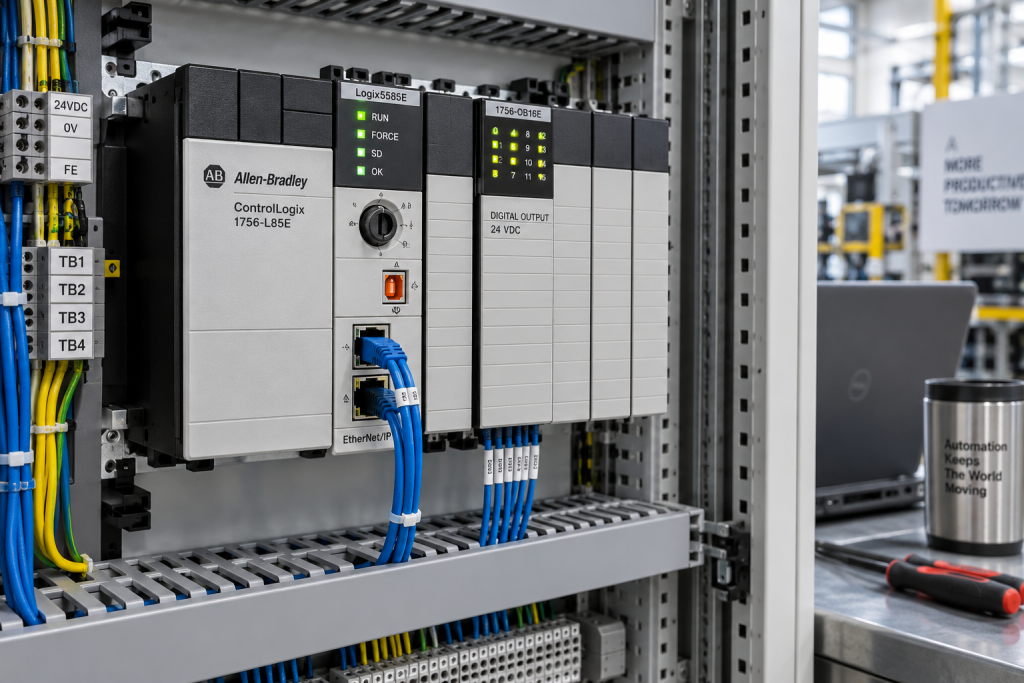
The Allen-Bradley 1756-L85E ControlLogix controller should be matched to the application, series, firmware expectations and network role. Confirm whether the spare is intended for a direct replacement, an engineering test or a staged migration. Ask for the condition statement and the functions included in the test.
Verify output hardware with the load
An output fault may be caused by a module, fuse, common, interposing relay, actuator or load. Record the channel number, voltage class, polarity, fuse and the expected state. Use a safe test procedure to check the signal at the module, terminal and load. If one output is stuck while other channels behave normally, compare the channel diagnostics and wiring before changing the card.
The Allen-Bradley 1756-OB16E digital output module must be checked against the load voltage, current, common arrangement, connector and application. A module with the same family name may still be unsuitable if the wiring or output characteristics differ. Preserve the original channel map in the RFQ.
Plan a reversible swap
Write the swap sequence before the shutdown. Identify the person authorized to stop the line, the person responsible for the application, the isolation points and the rollback condition. Bench-test a critical spare for power-up, diagnostics and representative communications. Record firmware and serial number. If the project cannot be loaded in a bench test, state that clearly.
At restart, check controller state, remote connections, I/O status, operator alarms, historian values and sequence permissives. Do not close the work order on the basis of one green LED. Ask operations to confirm the process at the normal operating condition. Retain the removed unit until the failure review is complete.
Where the line is being modernized gradually, mark the 1756 spare as a bridge asset and record the expected retirement milestone. That prevents procurement from buying a large quantity of a platform that is about to be replaced, while still protecting equipment that must run through the transition.
Check the engineering workstation and backup media as part of the controller audit. A healthy spare cannot recover a line if the project, add-on instructions or communication profiles are missing. The recovery package should be available to the authorized team without depending on one person’s laptop.
For production-critical racks, hold the spare with its connector hardware and an approved installation note. The note should identify the expected first scan, the normal network connections and the operator checks. This reduces the chance that a night-shift recovery becomes an improvised engineering change.
Questions maintenance teams usually ask
Can a newer ControlLogix CPU replace an older one directly?
Only after series, firmware, project compatibility, chassis, communication modules and commissioning steps are checked. Mechanical fit is not enough.
Why save the controller fault before resetting it?
The major fault, program state and connection evidence can distinguish a software, power, network or hardware problem. A reset may erase part of that evidence.
Is a powered-up output module ready for the line?
No. Verify the output type, channel behavior, connector, diagnostics and representative load or simulator test. State what was not tested.
What belongs in a ControlLogix RFQ?
Include the exact part number, series, revision, firmware, chassis position, application role, quantity, condition, destination and photos of the rack and terminals.
Preserve today’s line while preparing tomorrow’s
ControlLogix 1756 spare planning is strongest when it connects immediate recovery with future engineering. A complete state record gives the maintenance team a faster swap and gives the modernization team a clearer starting point.
Send the module labels, project or firmware information, fault evidence and required date to driveknms. We can help validate the 1756 match, explain condition and prepare a quotation that supports a controlled restart.
© 2026 DriveKNMS. All rights reserved. Official Website: https://driveknms.com Inquiry: sale@driveknms.com | WhatsApp/Tel: +86 18359293191