
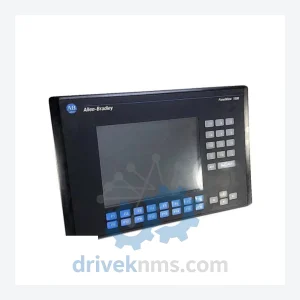
Allen-Bradley 2711-K10C15L1
Allen-Bradley PanelView 1000 Color Keypad is listed for PanelView RFQ review. Confirm quantity, condition and destination before quotation.
RFQ-ready industrial model
Model: 2711-K5A2X
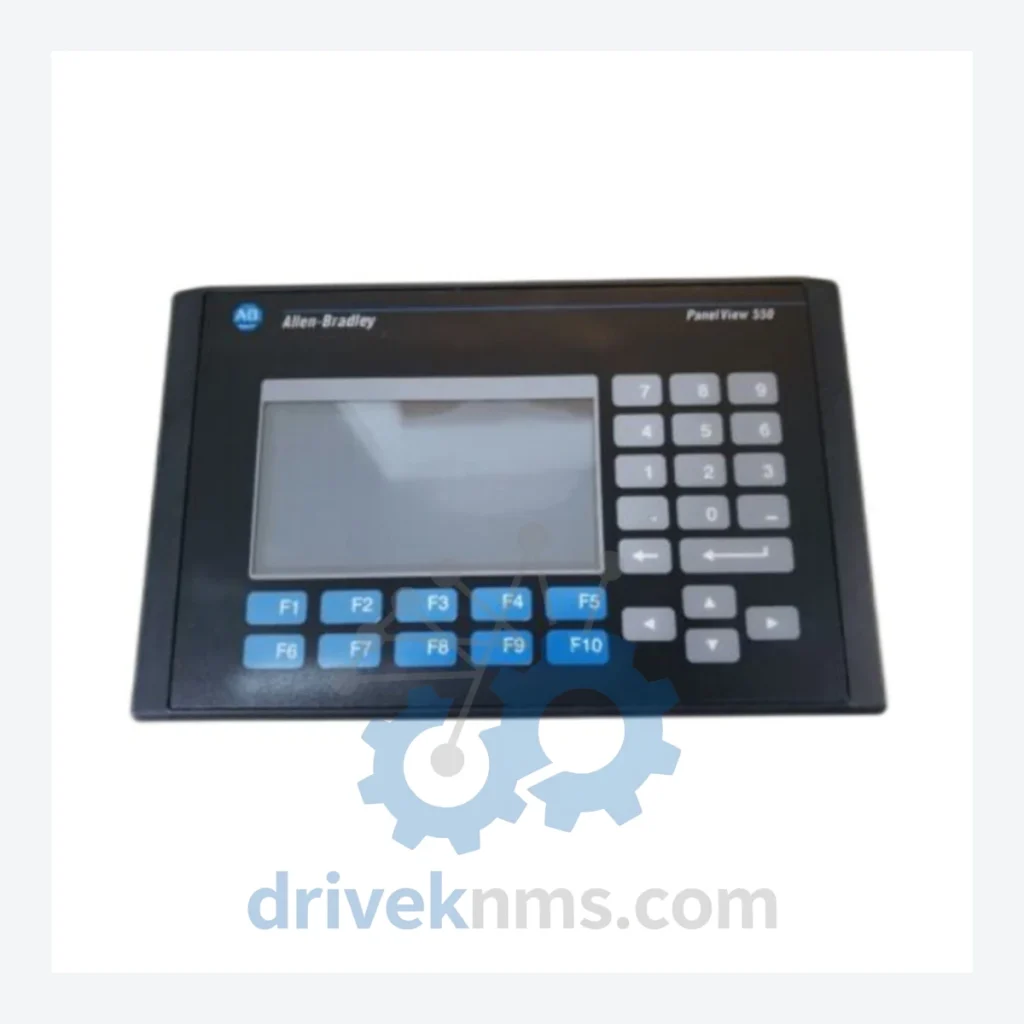
Product Overview
Commercial availability is handled through direct RFQ, model verification and export-oriented follow-up rather than public cart checkout.
Datasheet Preview
Use attached product manuals when available. If the manual is not public yet, request the full file directly through RFQ.
Commercial Path
Product pages on DRIVEKNMS are designed to verify model, brand and series first, then move the buyer into one clean quotation path.
Technical Dossier
DriveKNMS maintains sourced inventory of discontinued Rockwell Automation operator interface hardware specifically to serve facilities that have made a deliberate decision to extend the operational life of their existing control systems rather than absorb the cost and risk of a forced migration.
RFQ support for obsolete parts: Send the model number, required quantity and destination so DriveKNMS can confirm sourcing options before quotation.
| Parameter | Detail |
|---|---|
| Part Number | 2711-K5A2X |
| Brand | Allen-Bradley (Rockwell Automation) |
| Series | PanelView 550 |
| Display Size | 5.5 inch monochrome |
| Input Type | Keypad (no touchscreen) |
| Communication Ports | DH-485 / DH+ / Remote I/O (verify against your network configuration) |
| Compatible Controllers | SLC 5/03, SLC 5/04, SLC 5/05, MicroLogix series |
| Country of Origin | United States |
| Product Status | Discontinued / Obsolete – no longer manufactured by Rockwell Automation |
| Catalog Availability | Available through authorized secondary market suppliers only |
Note: Electrical parameters not listed above have not been independently verified for this specific catalog suffix. Do not rely on unconfirmed specifications for safety-critical applications. Contact us for documentation support.
The PanelView 550 platform was formally discontinued by Rockwell Automation, and replacement parts have not been available through standard distribution channels for years. Yet thousands of units remain in active service across food and beverage, water treatment, automotive assembly, and discrete manufacturing facilities worldwide. The reason is straightforward: the control systems these terminals are integrated into were engineered to last 20 to 30 years, and the cost of replacing a functioning control architecture solely because one interface component has become difficult to source is rarely justifiable on operational or financial grounds.
For plant managers and maintenance engineers operating legacy Rockwell Automation systems, the following strategy has proven effective in extending operational life without capital expenditure on new control infrastructure:
1. Identify single-point-of-failure HMI units. Any operator interface that, if it failed, would halt production with no immediate substitute is a critical spare candidate. The 2711-K5A2X qualifies in most SLC-based architectures.
3. Source while inventory exists. Secondary market availability for discontinued Rockwell hardware is finite and declines over time. Units sourced today from verified suppliers are available; units sourced in three years may not be.
4. Document firmware versions and application files. Before any HMI unit is replaced, ensure the PanelView application file (.PVA) is backed up and the firmware version is recorded. This eliminates the most common complication in like-for-like replacements.
5. Schedule periodic inspection of installed units. Electrolytic capacitor degradation, display backlight wear, and keypad membrane fatigue are the primary failure modes in aging PanelView hardware. Proactive inspection extends service life and provides advance warning before failure occurs.
All 2711-K5A2X units supplied by DriveKNMS pass a structured five-step quality process before dispatch:
Step 1 – Visual and Mechanical Inspection: Full external examination for physical damage, pin corrosion, connector integrity, and keypad membrane condition. Units with compromised connectors or corroded terminals are rejected at this stage.
Step 2 – Electrolytic Capacitor Assessment: Internal capacitors are among the first components to degrade in aging industrial electronics. Units are assessed for capacitor condition; those showing visible swelling or electrolyte leakage are not supplied.
Step 3 – Firmware Version Verification: The installed firmware version is documented and provided to the customer. This is critical for compatibility verification against the target PLC and application file.
Step 4 – Functional Power-On Test: Each unit is powered and verified to initialize correctly. Display output and keypad response are confirmed.
Step 5 – Packaging and Documentation: Units are packed in anti-static, shock-protected packaging. A condition report is included with each shipment.
The 2711-K5A2X is a direct catalog replacement for existing PanelView 550 keypad installations. No hardware modification is required. The replacement procedure does not require PLC program changes, communication reconfiguration, or SCADA updates, provided the replacement unit carries the same catalog suffix and firmware version as the unit being replaced. This is a drop-in replacement in the strict engineering sense of the term.
Facilities avoid the engineering cost of HMI migration projects, the validation burden of introducing new hardware into a qualified process, and the operational risk of a system changeover performed under time pressure. The economic case for maintaining a verified spare of the 2711-K5A2X is straightforward for any facility where this terminal is in active service.
Q: How do I verify compatibility with my existing system?
A: Provide your existing unit's catalog number, firmware version, and the PLC model and network type in use. Our technical team will confirm compatibility before order confirmation.
Continue The Model Path
Move from this exact model into the matching system hub, brand archive, model-family archive or lifecycle sourcing route before sending a final RFQ list.
Related Paths
Allen-Bradley PanelView 1000 Color Keypad is listed for PanelView RFQ review. Confirm quantity, condition and destination before quotation.
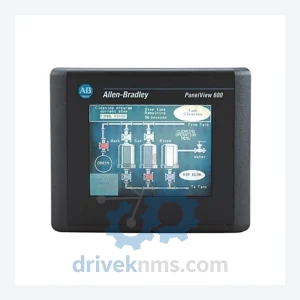
Allen-Bradley 2711-T6C8L1 is listed for PanelView RFQ review. Confirm quantity, condition and destination before quotation.
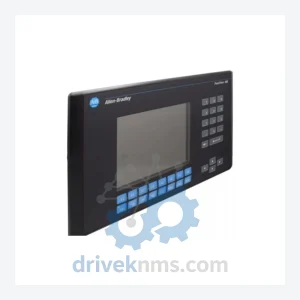
Allen-Bradley 2711-K9C1 is listed for PanelView RFQ review. Confirm quantity, condition and destination before quotation.