
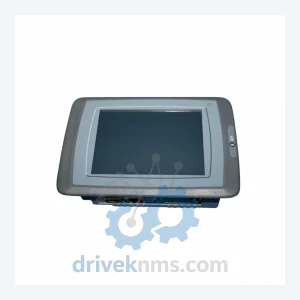
Mitsubishi E1071 06015B HMI Touch Panel – Obsolete GOT900 Spare Part
Mitsubishi Electric E1071 06015B is listed for HMI Panels RFQ review. Confirm quantity, condition and destination before quotation.
RFQ-ready industrial model
Model: ELECTRIC GT2508-VTBD
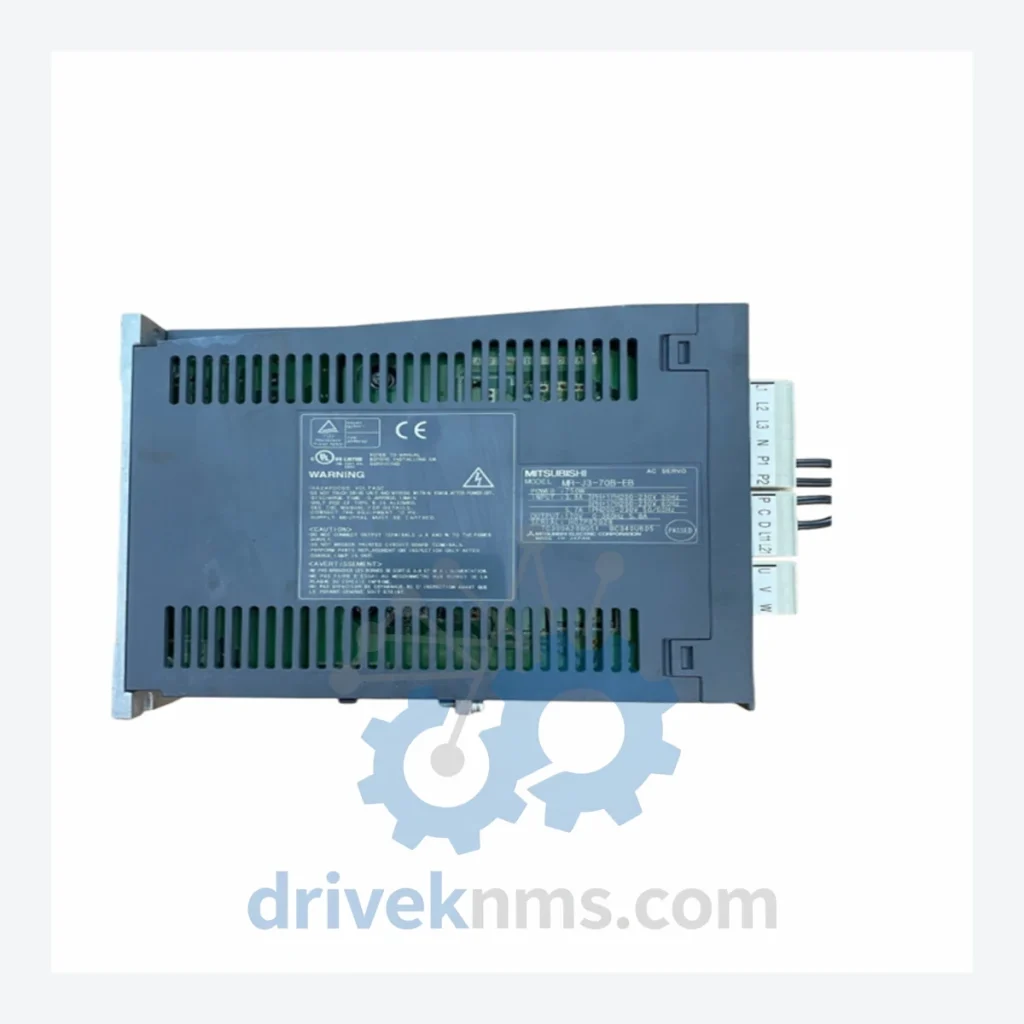
Product Overview
Commercial availability is handled through direct RFQ, model verification and export-oriented follow-up rather than public cart checkout.
Datasheet Preview
Use attached product manuals when available. If the manual is not public yet, request the full file directly through RFQ.
Commercial Path
Product pages on DRIVEKNMS are designed to verify model, brand and series first, then move the buyer into one clean quotation path.
Technical Dossier
DriveKNMS reviews sourcing options for this model through RFQ handling before quotation.
| Parameter | Value |
|---|---|
| Model | GT2508-VTBD |
| Series | GOT2000 |
| Manufacturer | Mitsubishi Electric |
| Display Size | 8.4 inch |
| Display Type | TFT Color LCD |
| Resolution | 800 × 600 (SVGA) |
| Interface | USB Host, USB Device, Ethernet, RS-232, RS-422/485 |
| Compatible Controllers | Mitsubishi iQ-R, iQ-F, MELSEC-Q, MELSEC-L, MELSEC-FX series; also supports third-party PLCs via GT Works3 |
| Operating Temperature | 0°C to 55°C |
| Protection Rating | IP67 (front panel) |
| Power Supply | 24 VDC |
| Country of Origin | Japan |
| Product Status | Active – Current Production (Critical Spare Recommended) |
The GT2508-VTBD is designed to serve as the operator interface for automation systems with 15–25 year operational lifespans. The HMI itself is not the limiting factor in system longevity — the limiting factor is the availability of verified replacement units when the installed panel fails. The following approach has been used by facilities to extend the productive life of their automation assets by 5–10 years beyond standard replacement cycles:
2. Version-lock your GT Works3 project files. Store a copy of the current project file, GT Works3 version, and PLC program version together. When a replacement HMI is installed, the correct software environment is immediately available without reverse-engineering the existing configuration.
3. Audit HMI condition annually. Inspect the touch panel surface for delamination or dead zones. Check the backlight brightness — GOT2000 backlights have a rated service life, and degradation is gradual. Early identification allows planned replacement rather than emergency response.
Every GT2508-VTBD unit shipped by DriveKNMS undergoes a structured pre-shipment inspection process before dispatch:
Step 1 – Visual Inspection: Full external inspection of the front panel, connector pins, and housing for physical damage, corrosion, or contamination.
Step 2 – Display Verification: Power-on test to confirm display uniformity, backlight function, and absence of dead pixels or color anomalies.
Step 3 – Touch Panel Calibration Check: Multi-point touch response verification across the full active area.
Step 4 – Communication Interface Test: USB and Ethernet port continuity and basic communication handshake verification.
Step 5 – Firmware Version Documentation: The installed firmware version is recorded and included with the shipment documentation, allowing the receiving facility to confirm compatibility with their GT Works3 project before installation.
Units that do not pass all five steps are not shipped. Condition grade (new, tested surplus, or certified refurbished) is disclosed at the time of quotation.
Q: How do I confirm the unit is new or genuine?
A: New units are supplied with original Mitsubishi Electric packaging and documentation where available. For surplus units, the condition grade, source, and inspection results are disclosed in the quotation. We do not supply units of unknown provenance.
Q: Is the GT2508-VTBD compatible with my existing GT Works3 project?
A: The GT2508-VTBD is supported by GT Works3. Compatibility with your specific project depends on the GT Works3 version and project settings. We recommend confirming the firmware version of the supplied unit against your project requirements before installation.
Continue The Model Path
Move from this exact model into the matching system hub, brand archive, model-family archive or lifecycle sourcing route before sending a final RFQ list.
Related Paths
Mitsubishi Electric E1071 06015B is listed for HMI Panels RFQ review. Confirm quantity, condition and destination before quotation.
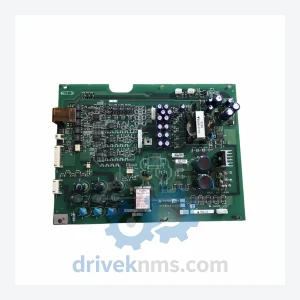
Mitsubishi Electric A22MC0.75B BC186A219G52 is listed for Monitoring Systems RFQ review. Confirm quantity, condition and destination before quotation.
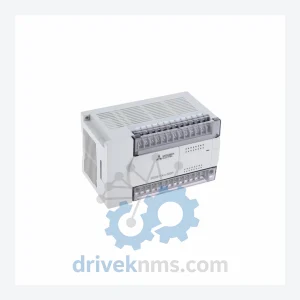
Mitsubishi Electric FX2N-32ER is listed for Monitoring Systems RFQ review. Confirm quantity, condition and destination before quotation.