
How should I use the DRIVEKNMS product catalog?
Start with the exact model number when available, or narrow by product category, brand, series and system hub before sending an RFQ.
Products
Use the quickest route first, then move straight into product pages and RFQ once the buyer has enough signal.
Top Categories
Top Brands
Fast RFQ
Priority Model Routes
These routes connect the full catalog to model families and guides that already showed post-launch search demand.
Systems And Lifecycle Routes
Use Hub pages when the request begins with PLC, DCS, drives, obsolete parts, replacement planning or legacy system support.
Model-Family Routes
Use the series directory to move from PLC, DCS, drive, HMI and monitoring families into published model pages for RFQ review.
Published Automation Parts
Showing 1009–1032 of 1665 results
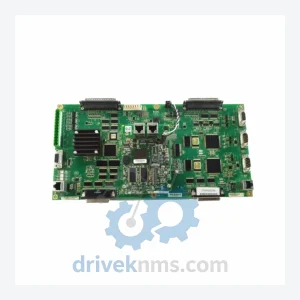
General Electric IS210MACCH1AKH IS210BPPBH2CAA is listed for Monitoring Systems RFQ review. Confirm quantity, condition and destination before quotation.
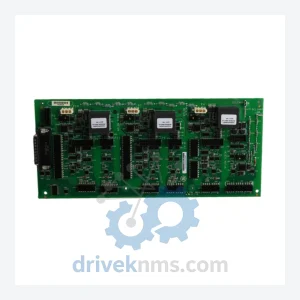
General Electric IS210AEBIH1BEA is listed for Mark VI RFQ review. Confirm quantity, condition and destination before quotation.
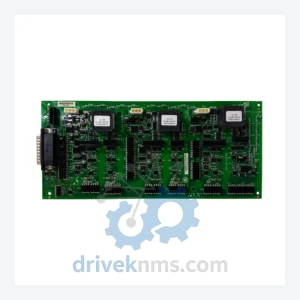
General Electric IS210AEBIH1BED is listed for IS210 RFQ review. Confirm quantity, condition and destination before quotation.
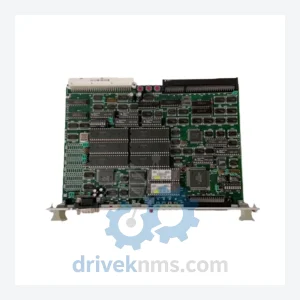
General Electric IS210TREAH1A is listed for Mark VI RFQ review. Confirm quantity, condition and destination before quotation.
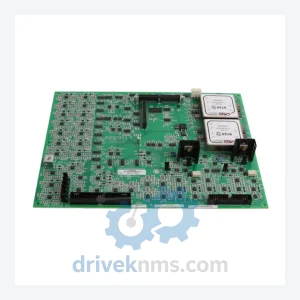
General Electric IS215PMVPH1AA/IS200MVREH1ABB is listed for Mark VI RFQ review. Confirm quantity, condition and destination before quotation.
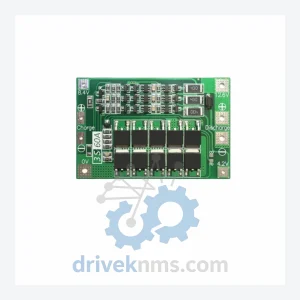
General Electric IS215REBFH1A is listed for Monitoring Systems RFQ review. Confirm quantity, condition and destination before quotation.
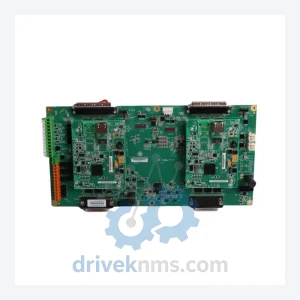
General Electric IS215REBFH1B is listed for Monitoring Systems RFQ review. Confirm quantity, condition and destination before quotation.
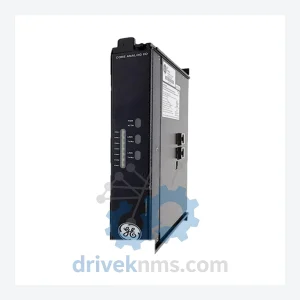
General Electric IS220PCLAH1A is listed for Monitoring Systems RFQ review. Confirm quantity, condition and destination before quotation.
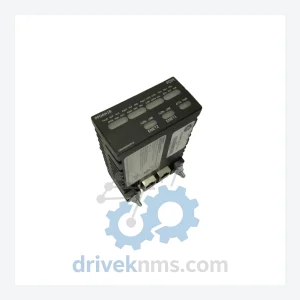
General Electric IS220PPDAH1B is listed for Mark VIe RFQ review. Confirm quantity, condition and destination before quotation.
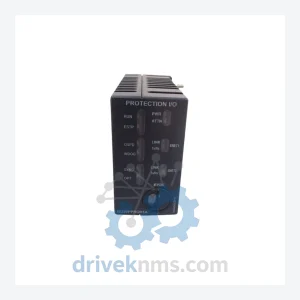
General Electric IS220PPROH1A is listed for Mark VIe RFQ review. Confirm quantity, condition and destination before quotation.
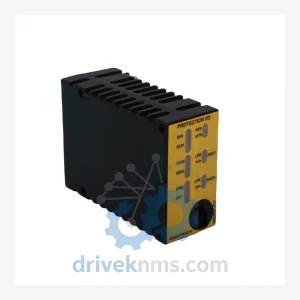
General Electric IS220PPROS1B is listed for IS220PPROS1B & IS220P Series RFQ review. Confirm quantity, condition and destination before quotation.
General Electric IS220PVIBH1A is listed for Mark VI RFQ review. Confirm quantity, condition and destination before quotation.
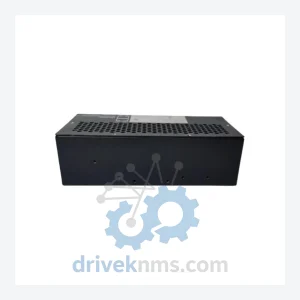
General Electric IS420UCSDS1 is listed for IS420 Series RFQ review. Confirm quantity, condition and destination before quotation.
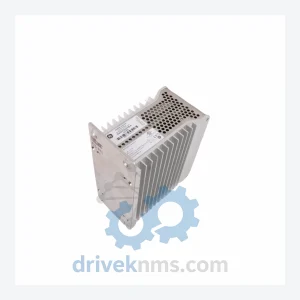
General Electric IS420UCECH1B-A is listed for IS420UCECH1B-A and IS420 Series RFQ review. Confirm quantity, condition and destination before quotation.
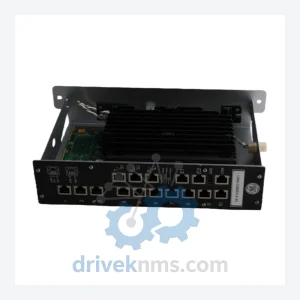
General Electric 151X1249BR01SA01 is listed for Mark VI RFQ review. Confirm quantity, condition and destination before quotation.
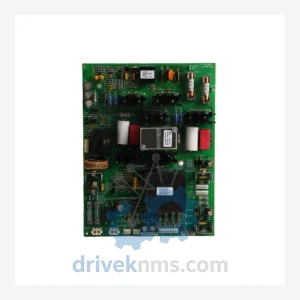
General Electric IS210AEPSG2BCB is listed for Mark VI RFQ review. Confirm quantity, condition and destination before quotation.
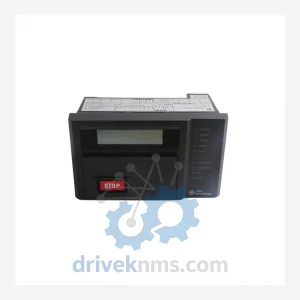
GE Multilin MMII-PD-1-2-240 is listed for Monitoring Systems RFQ review. Confirm quantity, condition and destination before quotation.
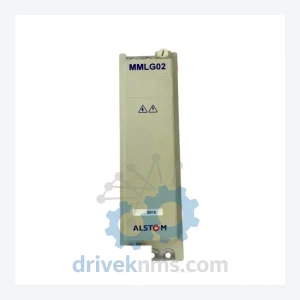
General Electric MMLG02R1AA0001E is listed for Monitoring Systems RFQ review. Confirm quantity, condition and destination before quotation.
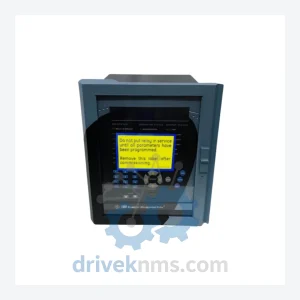
GE Multilin 750-P5-G5-S5-HI-A20-R-E is listed for Monitoring Systems RFQ review. Confirm quantity, condition and destination before quotation.
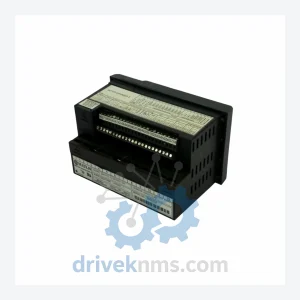
GE Multilin MMII-PD-1-2-MOD601-240 6SE6420-2AD24-0BA1 SMC D-276-990020B 0190-01401 is listed for Monitoring Systems RFQ review. Confirm quantity, condition and destination before quotation.
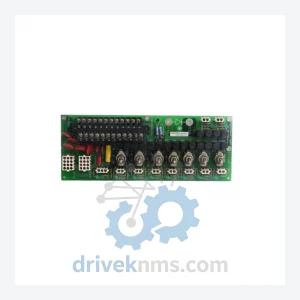
GE Multilin PL96501A0A10000 is listed for Monitoring Systems RFQ review. Confirm quantity, condition and destination before quotation.
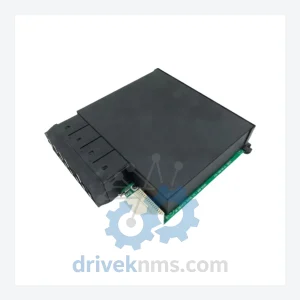
GE Multilin UR6UH is listed for UR Series RFQ review. Confirm quantity, condition and destination before quotation.
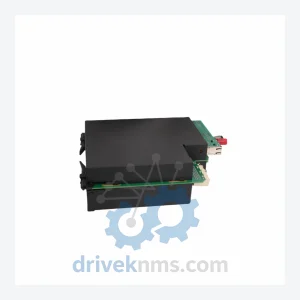
GE Multilin UR9GH UR 9GH is listed for Monitoring Systems RFQ review. Confirm quantity, condition and destination before quotation.
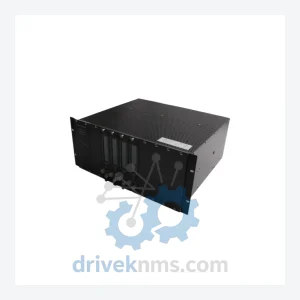
GE Multilin VM-5H3 VM-5Z VM-5K is listed for VM Series RFQ review. Confirm quantity, condition and destination before quotation.
Need Help Narrowing The Catalog?
FAQ
Start with the exact model number when available, or narrow by product category, brand, series and system hub before sending an RFQ.
Yes. Buyers can send a mixed-brand or mixed-category list with model numbers, quantities, destination and required condition for RFQ follow-up.
Industrial automation parts often require model, revision, condition and availability checks before quotation, so each request is confirmed through RFQ.