
How should I use the DRIVEKNMS product catalog?
Start with the exact model number when available, or narrow by product category, brand, series and system hub before sending an RFQ.
Products
Use the quickest route first, then move straight into product pages and RFQ once the buyer has enough signal.
Top Categories
Top Brands
Fast RFQ
Priority Model Routes
These routes connect the full catalog to model families and guides that already showed post-launch search demand.
Systems And Lifecycle Routes
Use Hub pages when the request begins with PLC, DCS, drives, obsolete parts, replacement planning or legacy system support.
Model-Family Routes
Use the series directory to move from PLC, DCS, drive, HMI and monitoring families into published model pages for RFQ review.
Published Automation Parts
Showing 7033–7056 of 9593 results
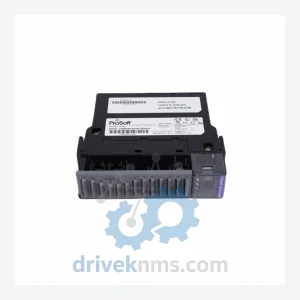
ProSoft Technology MVI56-AFC is listed for ControlLogix RFQ review. Confirm quantity, condition and destination before quotation.
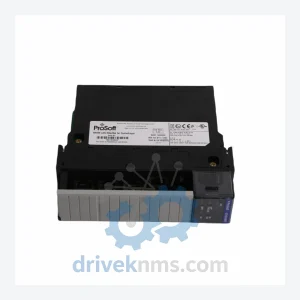
ProSoft Technology MVI56-CSC is listed for ControlLogix RFQ review. Confirm quantity, condition and destination before quotation.
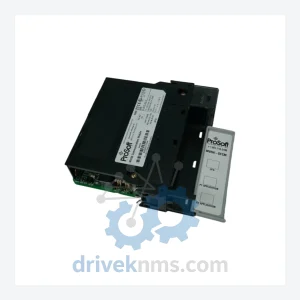
ProSoft Technology MVI56-DFCM is listed for ControlLogix RFQ review. Confirm quantity, condition and destination before quotation.
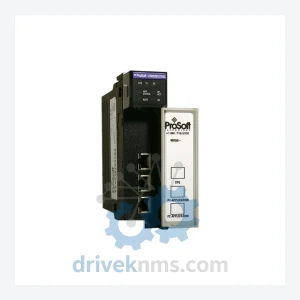
ProSoft Technology MVI56-DNP is listed for ControlLogix RFQ review. Confirm quantity, condition and destination before quotation.
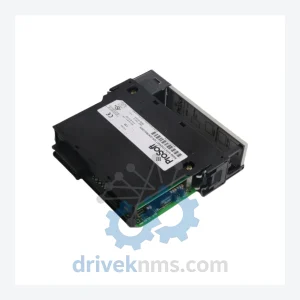
ProSoft Technology MVI56-GEC is listed for ControlLogix RFQ review. Confirm quantity, condition and destination before quotation.
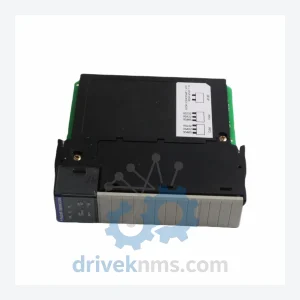
ProSoft Technology MVI56-GSC is listed for ControlLogix RFQ review. Confirm quantity, condition and destination before quotation.
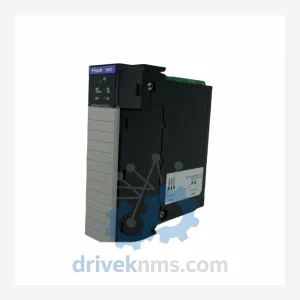
ProSoft Technology MVI56-HART is listed for ControlLogix RFQ review. Confirm quantity, condition and destination before quotation.
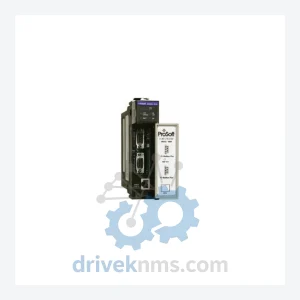
ProSoft Technology MVI56-MBP is listed for ControlLogix RFQ review. Confirm quantity, condition and destination before quotation.
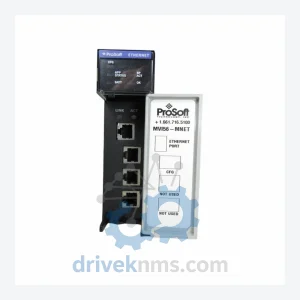
ProSoft Technology MVI56-MCMR is listed for ControlLogix RFQ review. Confirm quantity, condition and destination before quotation.
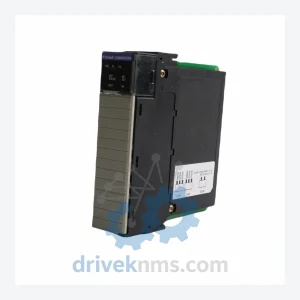
ProSoft Technology MVI56-MDA4 is listed for Communication Modules RFQ review. Confirm quantity, condition and destination before quotation.
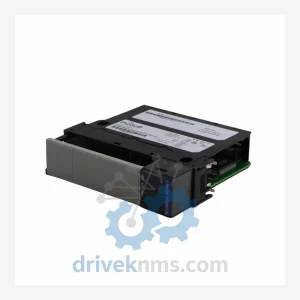
ProSoft Technology MVI56-MNETC is listed for Communication Modules RFQ review. Confirm quantity, condition and destination before quotation.
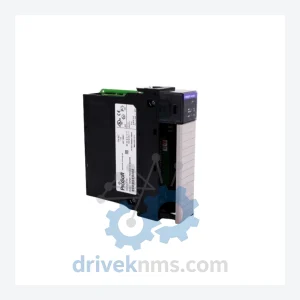
ProSoft Technology MVI56-PDPMV1 is listed for ControlLogix RFQ review. Confirm quantity, condition and destination before quotation.
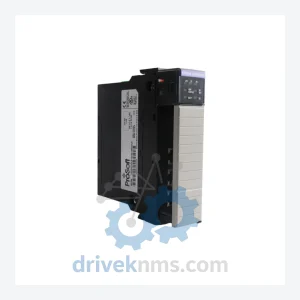
ProSoft Technology MVI56-PDPS is listed for ControlLogix RFQ review. Confirm quantity, condition and destination before quotation.
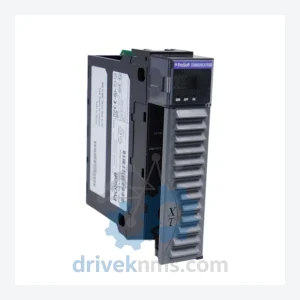
ProSoft Technology MVI56E-MNETXT is listed for MVI56E Series RFQ review. Confirm quantity, condition and destination before quotation.
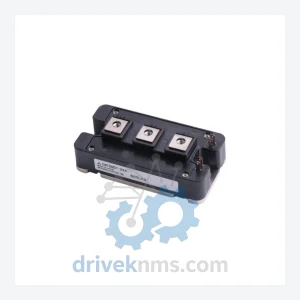
ProSoft Technology MVI56E-GSC is listed for Communication Modules RFQ review. Confirm quantity, condition and destination before quotation.
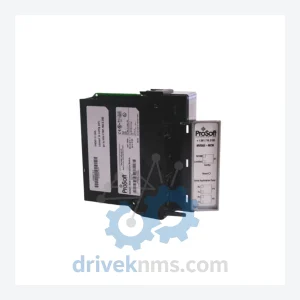
ProSoft Technology MVI56E-MCMR is listed for Communication Modules RFQ review. Confirm quantity, condition and destination before quotation.
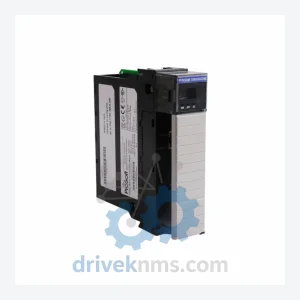
ProSoft Technology MVI56E-MNETC is listed for ControlLogix RFQ review. Confirm quantity, condition and destination before quotation.
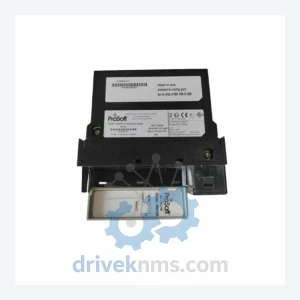
ProSoft Technology MVI56E-MNETCR is listed for Communication Modules RFQ review. Confirm quantity, condition and destination before quotation.
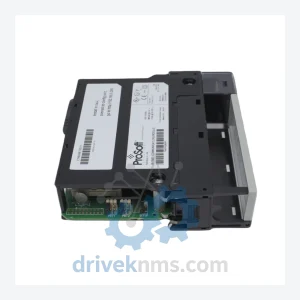
ProSoft Technology MVI56E-MNETR is listed for ControlLogix RFQ review. Confirm quantity, condition and destination before quotation.
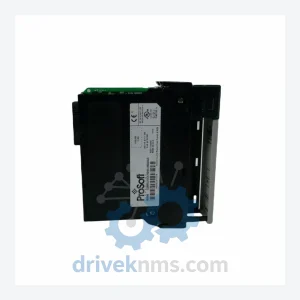
ProSoft Technology MVI56-DFCMR is listed for ADM-NET Series RFQ review. Confirm quantity, condition and destination before quotation.
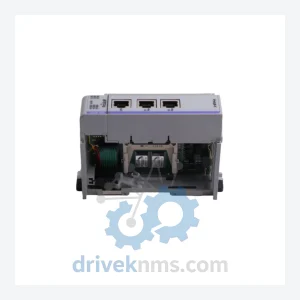
ProSoft Technology MVI69-MCM is listed for Communication Modules RFQ review. Confirm quantity, condition and destination before quotation.
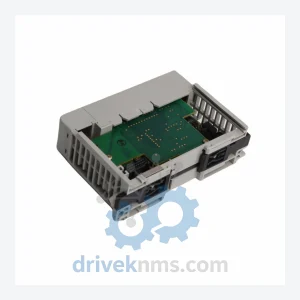
ProSoft Technology MVI69-MNETC is listed for Communication Modules RFQ review. Confirm quantity, condition and destination before quotation.
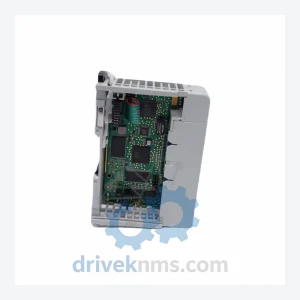
ProSoft Technology MVI69L-MBS is listed for CompactLogix RFQ review. Confirm quantity, condition and destination before quotation.
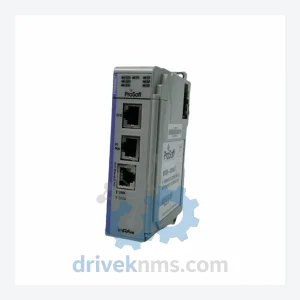
ProSoft Technology MVI71-ADM is listed for Communication Modules RFQ review. Confirm quantity, condition and destination before quotation.
Need Help Narrowing The Catalog?
FAQ
Start with the exact model number when available, or narrow by product category, brand, series and system hub before sending an RFQ.
Yes. Buyers can send a mixed-brand or mixed-category list with model numbers, quantities, destination and required condition for RFQ follow-up.
Industrial automation parts often require model, revision, condition and availability checks before quotation, so each request is confirmed through RFQ.